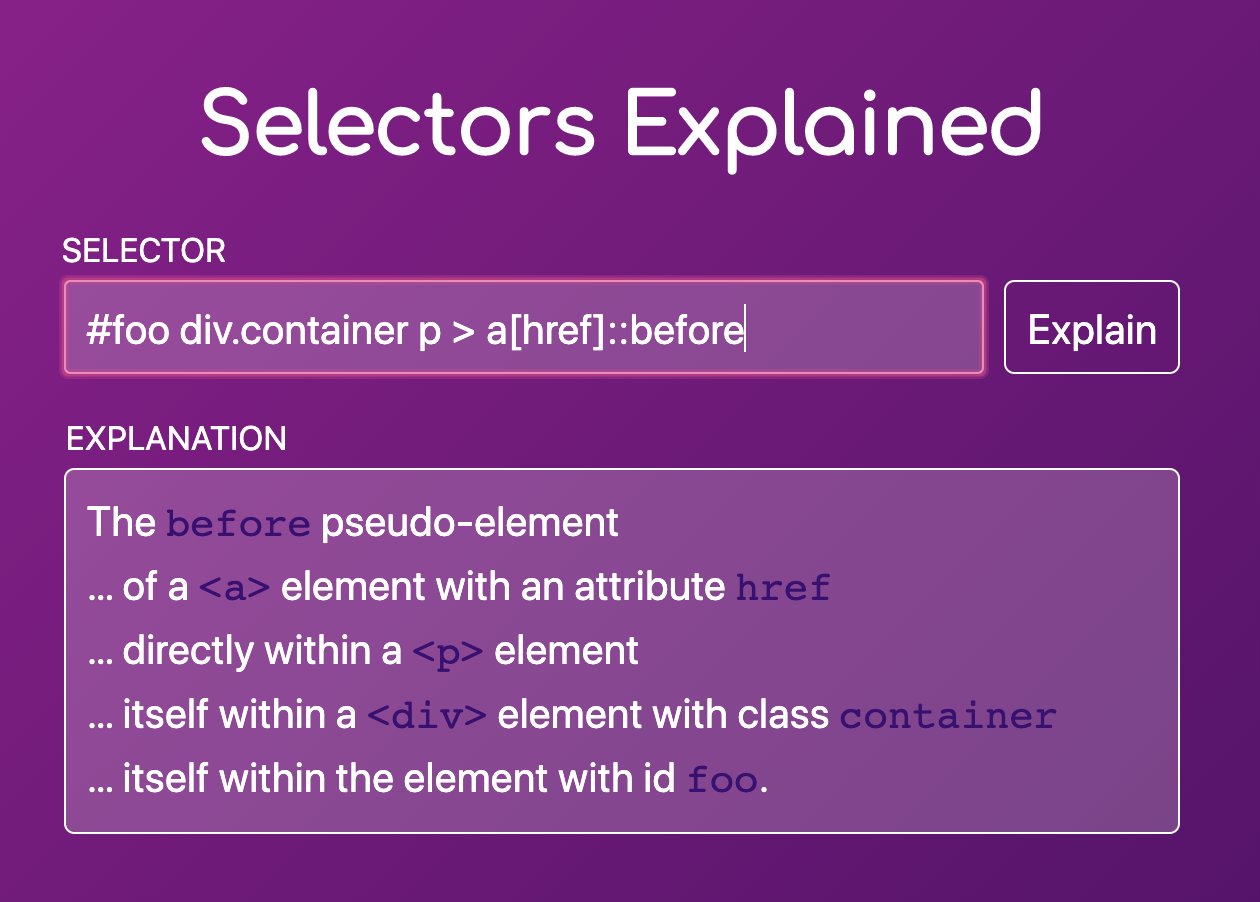
A small utility to demystify CSS selectors, explaining them in plain English. Best part of it all: it updates the URL upon entering a selector so you get directly shareable links 🙂 Selectors Explained →
A rather geeky/technical weblog, est. 2001, by Bramus
Nice demo by Adam Argyle to create a 4 Corner Gradient in CSS: Even though working with gradients has gotten some improvements, you’ll still need a trick to achieve this one: stack 2 simple linear gradients and use a linear mask to blend them together: mask-image: linear-gradient(to bottom, transparent, black);
I like using data attributes in my markup (data-*), CSS ([data-*]), and JS (el.dataset). This post on CSS-Tricks writes down exactly how I use them. Especially the different type of attribute selectors are really powerful: // Seven different types of CSS attribute selectors // This attribute exists on the element [value] // This attribute has …
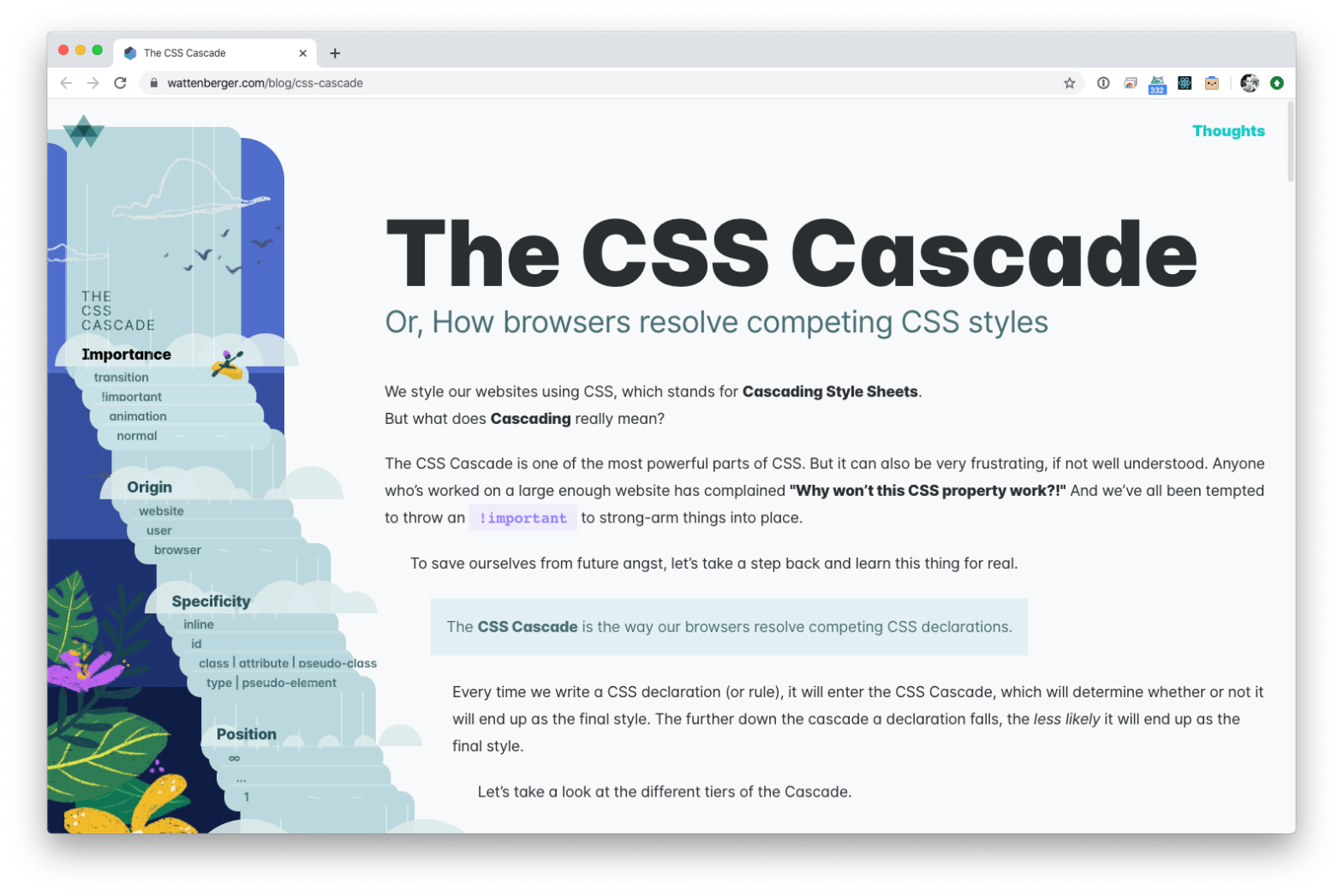
Amelia Wattenberger is at it again with this nice interactive page on the CSS Cascade Every time we write a CSS declaration (or rule), it will enter the CSS Cascade, which will determine whether or not it will end up as the final style. The further down the cascade a declaration falls, the less likely …
Continue reading “The CSS Cascade – Or, How browsers resolve competing CSS styles”
Zell Liew deconstructed and recreated the gradient links as seen on CSS-Tricks When I saw the CSS Tricks redesign, I was hooked. I loved the links with gradients. I told myself I’m going to use gradient links for my next project. The result looks like this: Uses the aforementioned box-decoration-break to span styles across multiple …
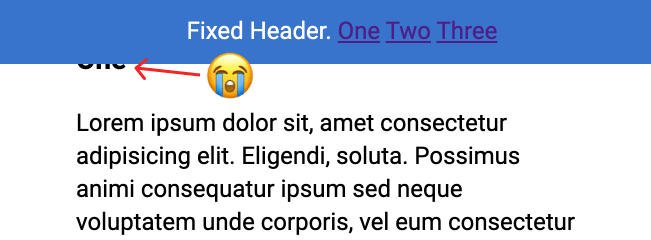
Yesterday evening I was working on a documentation page. The page layout is quite classic, as it consists of a content pane on the left and a sidebar navigation on the right. Looking for a way to make the page less dull I decided to add a few small things to it: Smooth Scrolling when …
Continue reading “Smooth Scrolling Sticky ScrollSpy Navigation”
# Individual Transform Properties New in Firefox 72 is the ability to individually define CSS Transform Properties. You can now separately define scale, rotate, and translate CSS properties, instead of having to chuff them all into one single transform property. The translate, rotate, and scale properties allow authors to specify simple transforms independently, in a …
There’s a good deep dive into SVG Properties and CSS on CSS-Tricks: SVG has its own set of elements, attributes and properties to the extent that inline SVG code can get long and complex. By leveraging CSS and some of the forthcoming features of the SVG 2 specification, we can reduce that code for cleaner …
Matthew Somerville: I followed a link to one of those Guardian end-of-year quizzes on my phone, and had answered a few questions before realising that it was working entirely without JavaScript (I have JavaScript disabled on my phone). I found this very impressive, well done whoever worked on that, and so I thought I would …