How the CSS :is() selector will simplify things

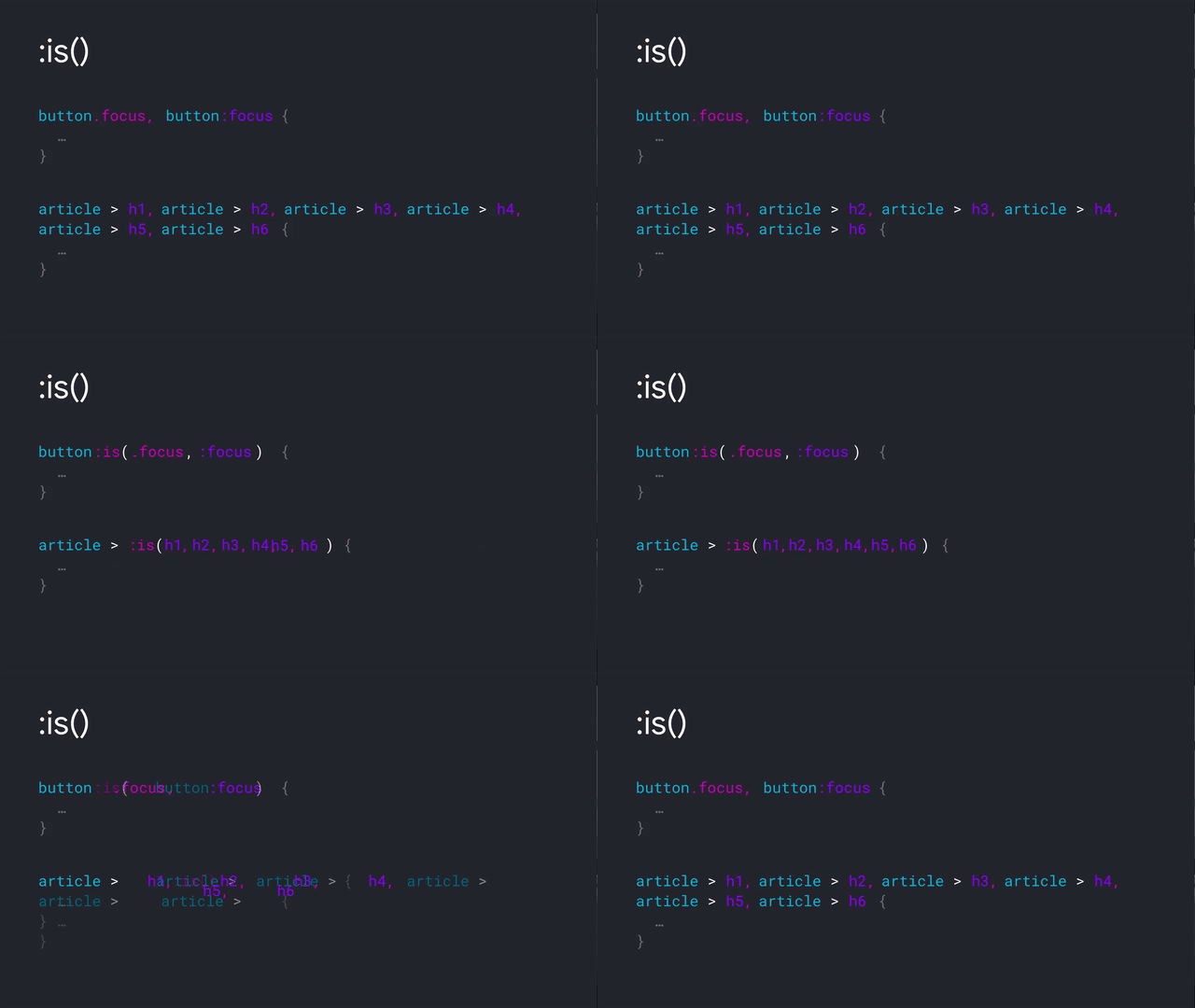
One of the selectors in CSS Level 4 is :is(). It is the successor to :any() and :matches() (which are supplanted by :is()): The :is() CSS pseudo-class function takes a selector list as its argument, and selects any element that can be selected by one of the selectors in that list. This is useful for …

Fullwidth Content Strips and CSS Subgrid = ❤️

When having fullwidth content strips on your site CSS Grid is a thankful piece of technology. You can use it to place items between the first and last grid-line, as detailed in Breaking Elements out of Their Containers in CSS 💁‍♂️ Alternatively you can also use this .full-bleed utility class To lay out the content …

Emulate Dark Mode using Chrome DevTools

Coming to the next version of Chrome is a way to emulate “Dark Mode” using the DevTools. With the DevTools open and focused, hit SHIFT+CMD+P and choose “Emulate CSS prefers-color-scheme: dark” from the menu You can also access the option via the Rendering panel. (Via @ChromeDevTools)

Single div CSS Tesla Cybertruck

Of course it had to be done: What I found most peculiar is that only the front lights are generated content, all the rest is gradients. Only detail that’s missing are the smashed windows 😜 Oh, Here’s another nice version (no single div though): See the Pen Pure CSS CYBRTRK 🚙 by Jhey (@jh3y) on …

Change the marker of a list to any character with list-style-type: <string>

Since CSS Level 2, CSS list-style-type has supported keywords like disc or decimal to define the appearance of the list item marker. Landing in Chrome 79, and also available in Firefox ever since version 39, is the ability to set it to an arbitrary string. Here’s a pen that demonstrates its behavior / usage: Let’s …

Pure CSS Scroll Shadows (Vertical + Horizontal)

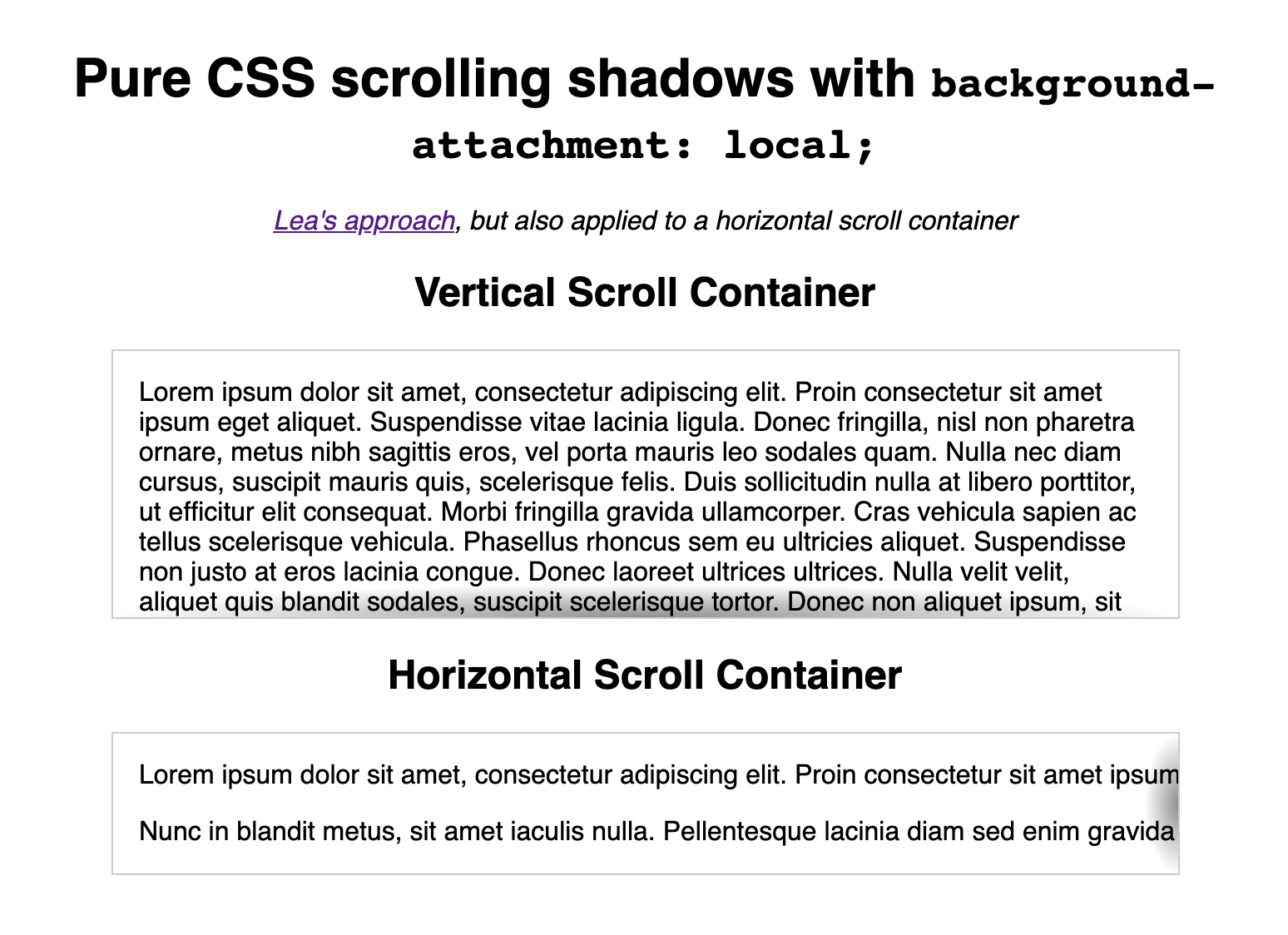
A long time ago (2012!), Lea Verou shared a way on how to add scrolling shadows to containers that needs scrolling. Using those shadows in a scroll container is a great UX thing, as they visually tell the user that the content is scrollable. Her code however, only worked with containers that scroll vertically. Based …

Ship legacy JavaScript and CSS files in a Webpack Project with webpack-merge-and-include-globally

One of the projects that I’m working on is quite reliant on jQuery and Bootstrap. As we’re introducing new features (such as a few React-based components, and Stylus for CSS) in said project, we’ve also introduced Webpack into it. Now, we don’t want to run jQuery nor Bootstrap through Babel (using Webpack), but we want …