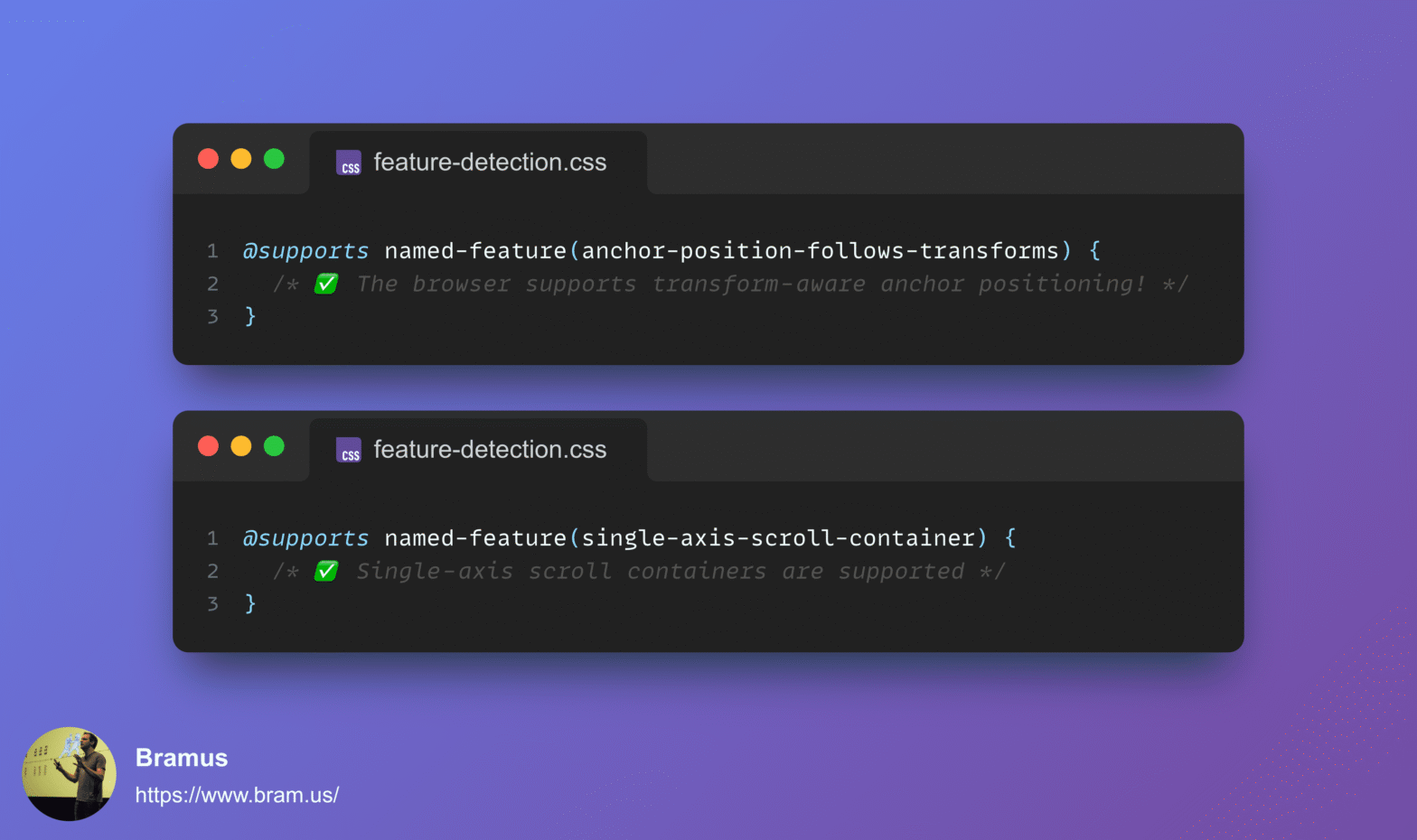
Feature Detecting “Undetectable” CSS Features with @supports named-feature()

In CSS you can feature detect support for things like selectors, properties + values, and at-rules using @supports. But how do you feature detect a change to an underlying implementation, or two existing properties suddenly working together? Enter @supports named-feature(), a function designed to expose these specific capabilities without relying on hacky workarounds.
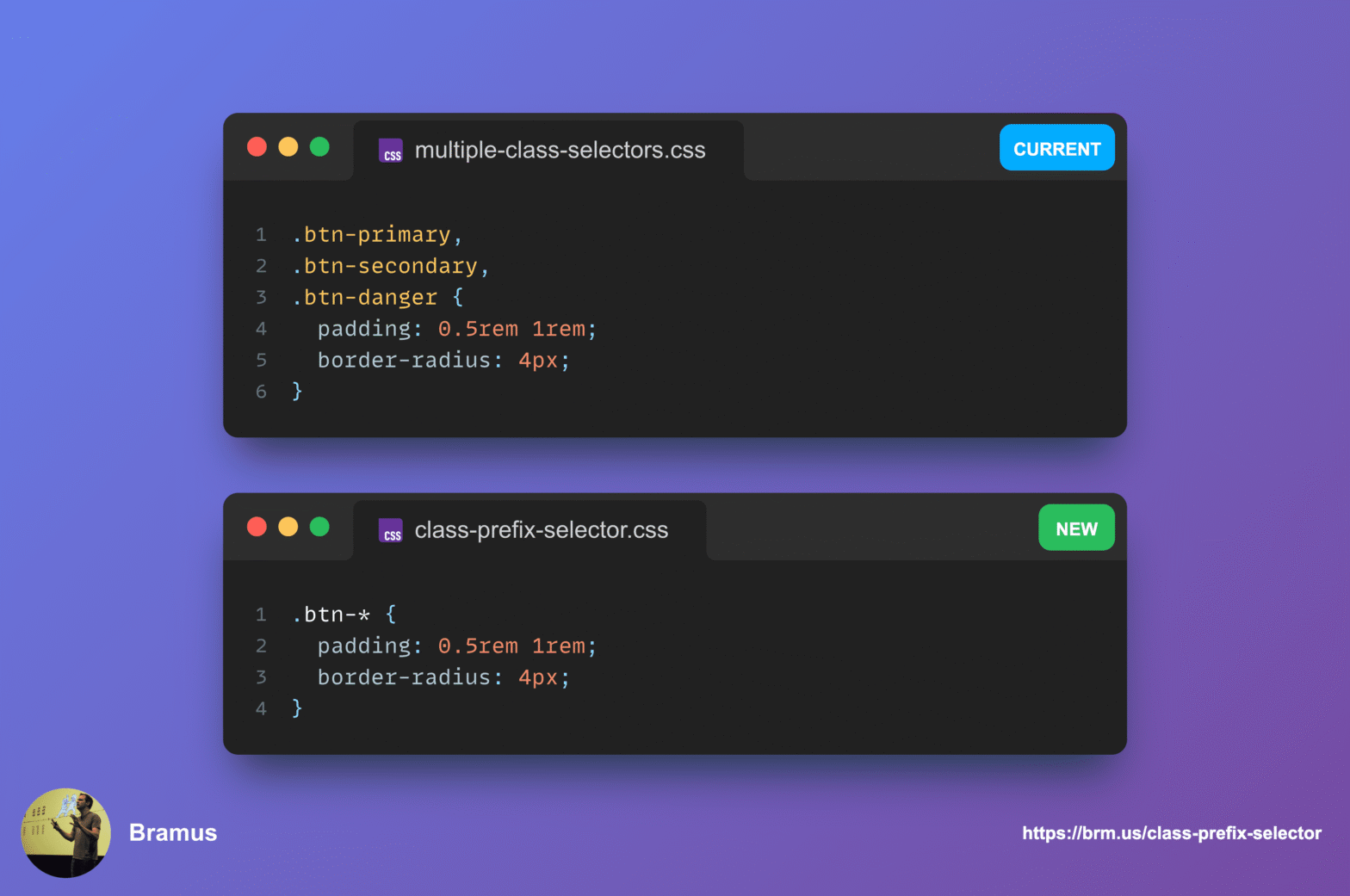
The Future of CSS: Target Multiple Classes with the Class Prefix Selector

To target multiple classes that share the same prefix, you’d typically have to resort to adding an extra base classes to your markup or to using badly performing attribute selectors. To make things easier, CSS is getting a new selector: The Class Prefix Selector (.prefix-*).

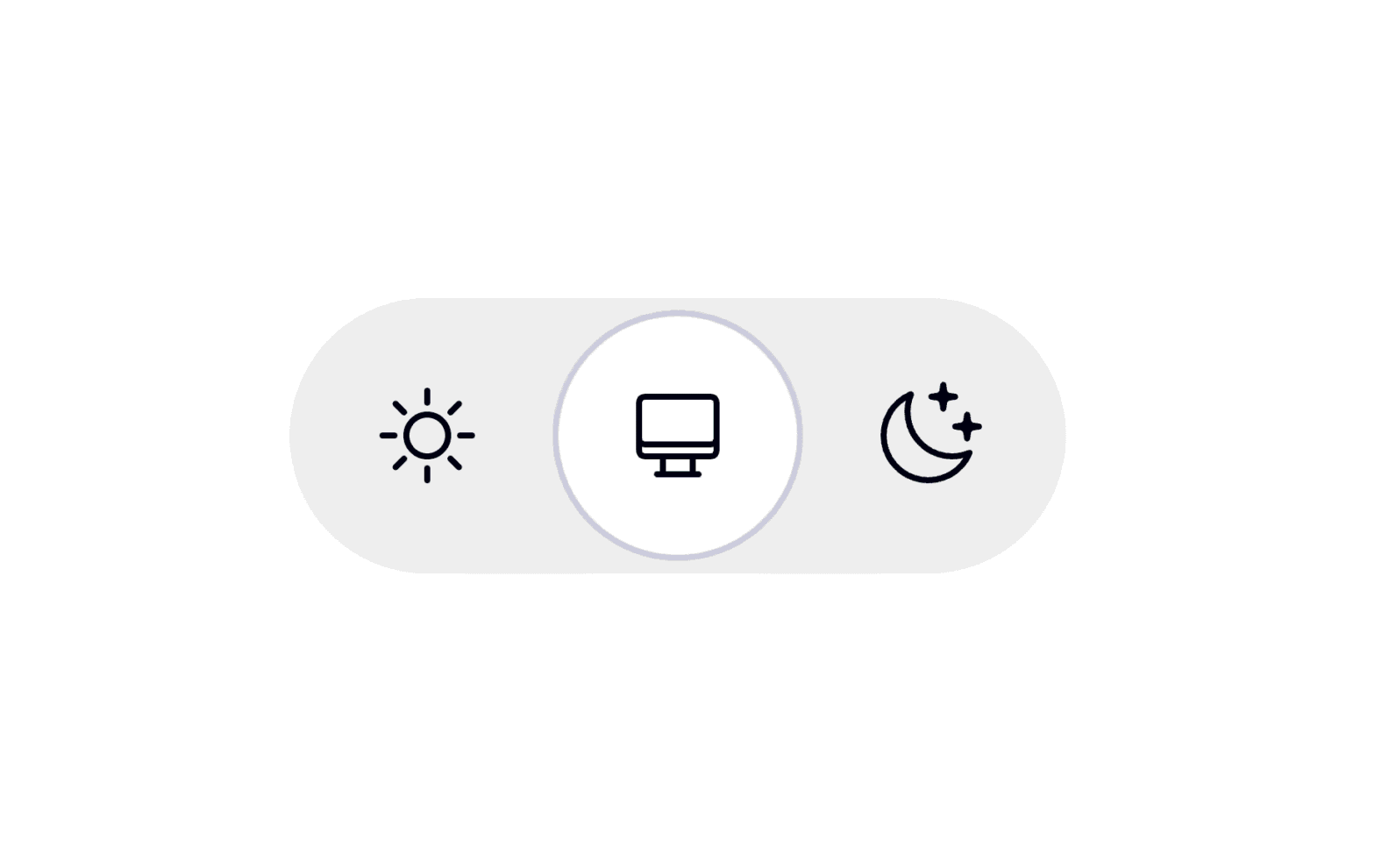
The Case for Tri-State Dark Mode Toggles

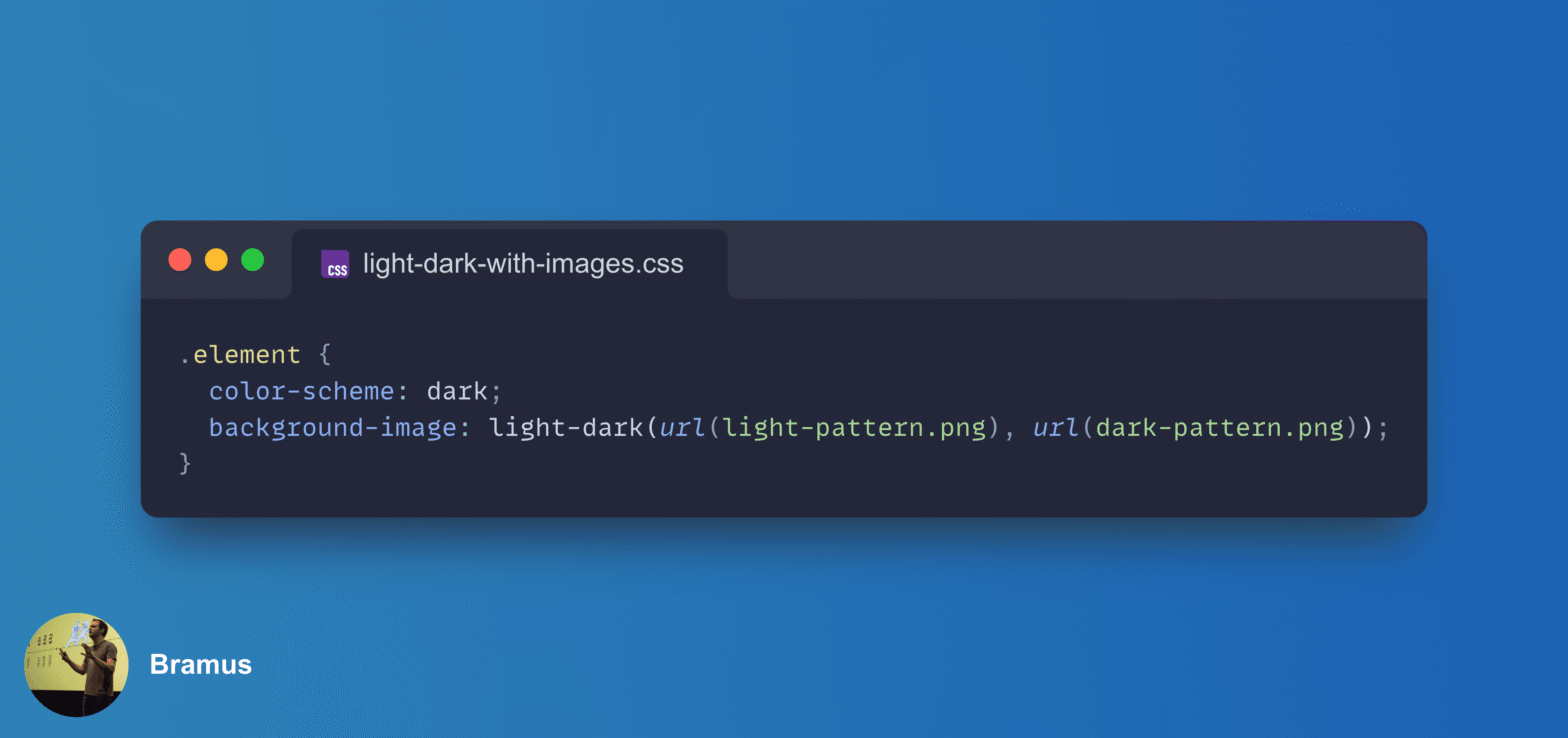
Adding a Dark Mode toggle to your website is a nice touch that many users appreciate. When implementing one, the default instinct for many developers is to reach for a simple binary switch: Light on one side, Dark on the other.

While a two-state control might seem like the most straightforward solution, I firmly believe it’s flawed from a user experience perspective. Instead, we should all be using tri-state controls. Let me explain why.

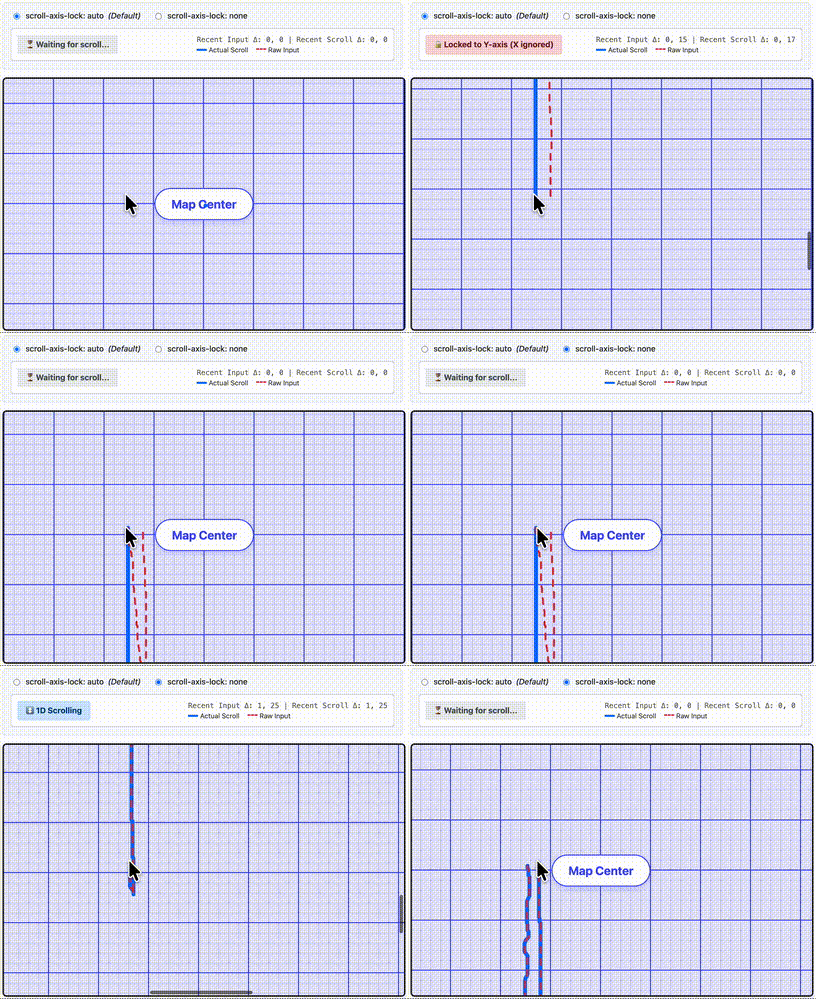
Unlock Immediate Diagonal Scrolling with CSS scroll-axis-lock: none

When you scroll a 2D scroller on a website, the browser does a lot of work behind the scenes to keep you on track. One of the things it typically does is scroll axis-locking (aka “railing”), ignoring some minor scroll deltas in the non-main scrolling axis. While helpful most of the times, this sometimes can get in the way such as in map or image zoom interfaces. With the new CSS scroll-axis-lock property you can disable the browser’s default scroll axis-locking behavior, allowing users to immediately perform a diagonal scroll.

Styling the Navigation: Declarative Route and Navigation Matching in CSS

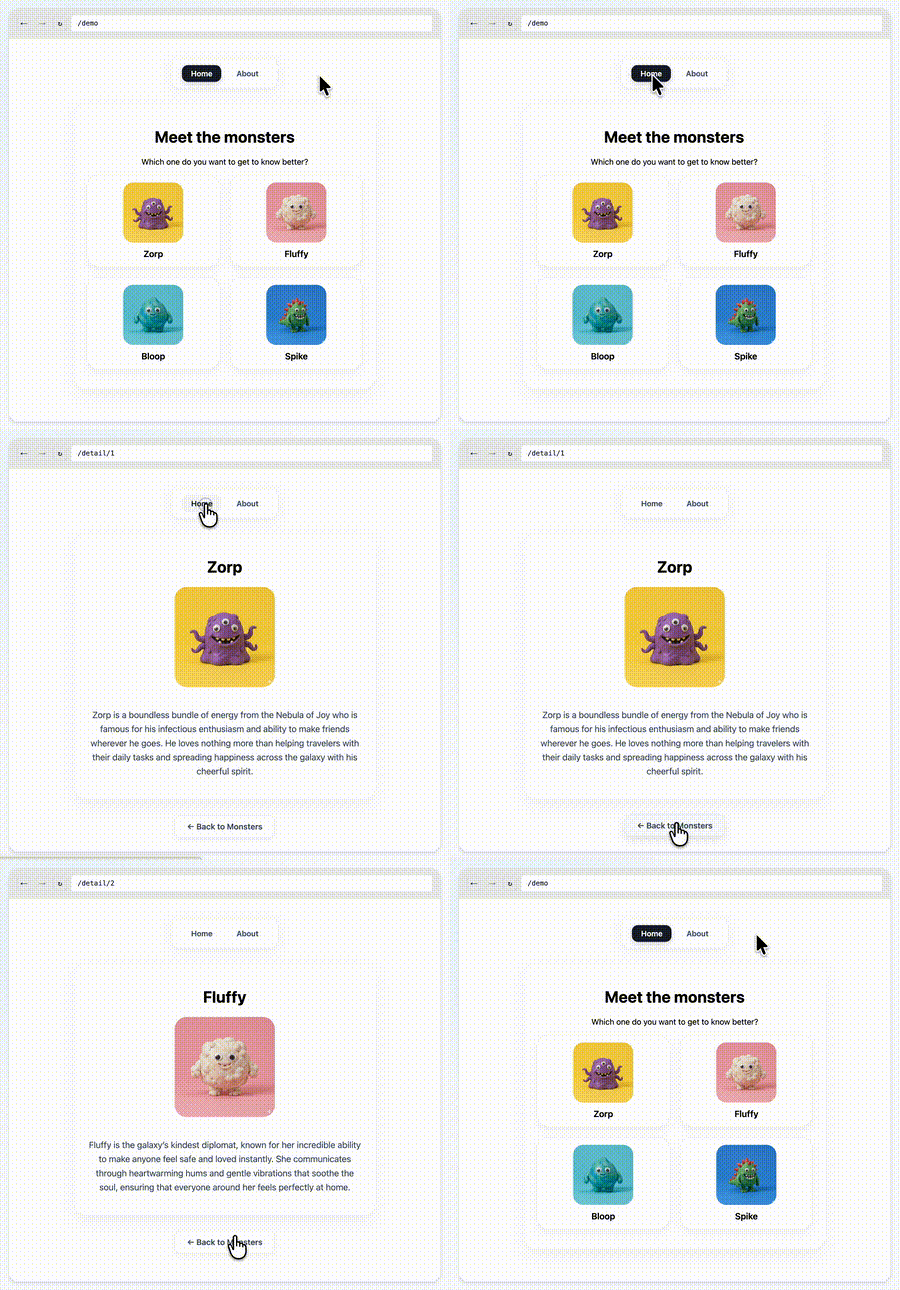
One of the things that we at Chrome have been thinking about for a while now is a way to do declarative route and navigation matching in CSS. Together with Noam Rosenthal and David Baron I’ve been working on it for the past few months.

After an initial introduction at the CSS Working Group back in January, and a quick feedback session at CSS Day in June, we think we have something that is ready for further discussion.

At next week’s CSS Working Group F2F (face-to-face) meeting in Berlin, we’ll be presenting our current line of thinking. This post is a quick intro to the concepts we’ll be covering.

View Transitions: Use the new attr() or match-element for the view-transition-name?

At CSS Day, “YouTube guy” Kevin Powell showed a lot of demos that relied on the advanced attr() function. In one of the examples he used attr() to set view-transition-name values — a technique I covered in my article on advanced attr() function.

But then during the Q&A, Cyd Stumpel wondered if he couldn’t just use match-element there.

The short answer to that question is yes. The longer answer is … It Depends™

CSS position: sticky now sticks to the nearest scroller on a per axis basis!

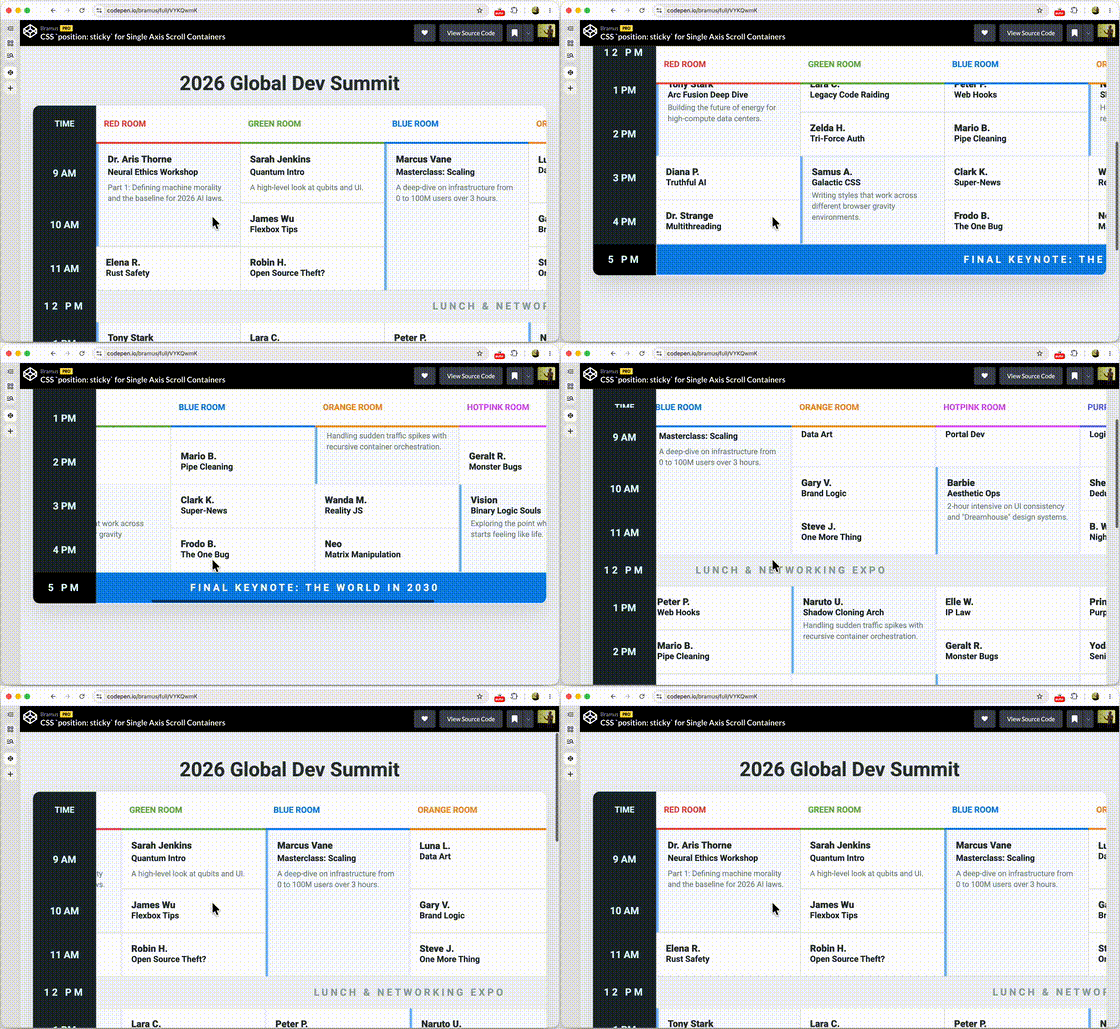
If you’ve ever tried to build a data table with a sticky header and a sticky first column, you know the pain. You’d think a simple position: sticky with top: 0 and left: 0 would be enough, but the reality was that only one of both would stick.

A recent change to CSS fixes this: position: sticky now plays nice with single-axis scrollers, allowing you to have sticky elements that track different scroll containers on different axes. This change is available for testing in Chrome 148 with the experimental web platform features flag flipped.

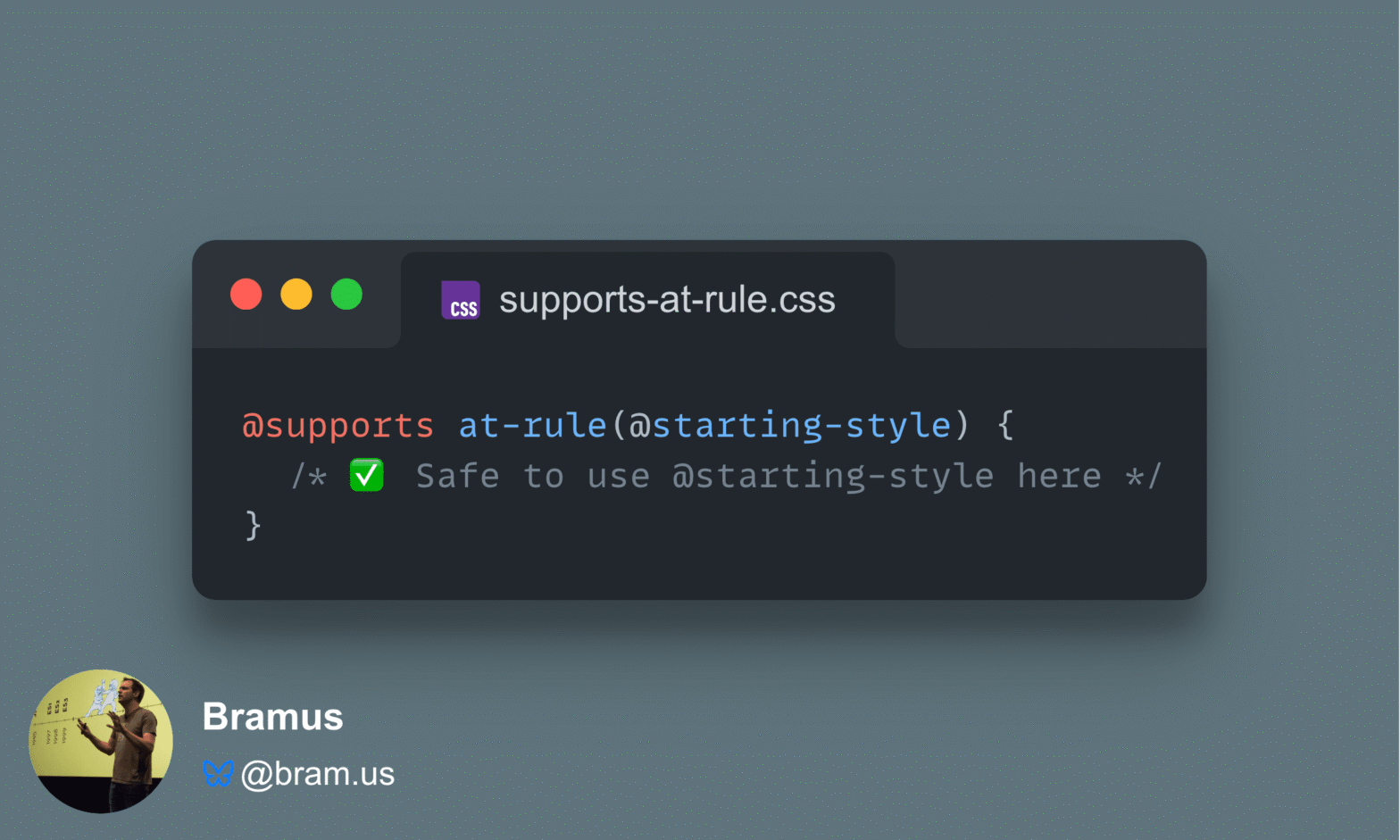
Detect at-rule support in CSS with @supports at-rule(@keyword)

Back in January 2022, I wrote about an exciting new CSS Working Group decision: a function to detect at-rule support using @supports at-rule(@keyword). Fast forward to today, and the CSS Conditional Rules Module Level 5 specification has solidified how this feature works and Chromium (Chrome, Edge, etc.) is about to ship it in Chromium 148!

Introducing view-transitions-mock: A non-visual Polyfill for Same-Document View Transitions

View Transitions are a powerful Modern Web feature allow for smooth seamless animated transitions two between different states of a web page. They can make for a much more pleasant user experience, but as with any new web platform feature, browser support is not yet fully universal so you need to add some fallback logic to your code.

view-transitions-mock bridges that gap. It is a spec-compliant JavaScript implementation of Same-Document View Transitions that polyfills the entire JavaScript API surface of the spec, but that doesn’t do the animation bits.