Using CSS to Control Text Selection

Will Boyd digs into the user-select CSS property: CSS lets you control how text selection behaves and appears on your pages. This can help you improve usability in certain situations and add a little bit of visual flair. Let’s dive in! His posts includes a very nice hack to make user-select: all; work only at …

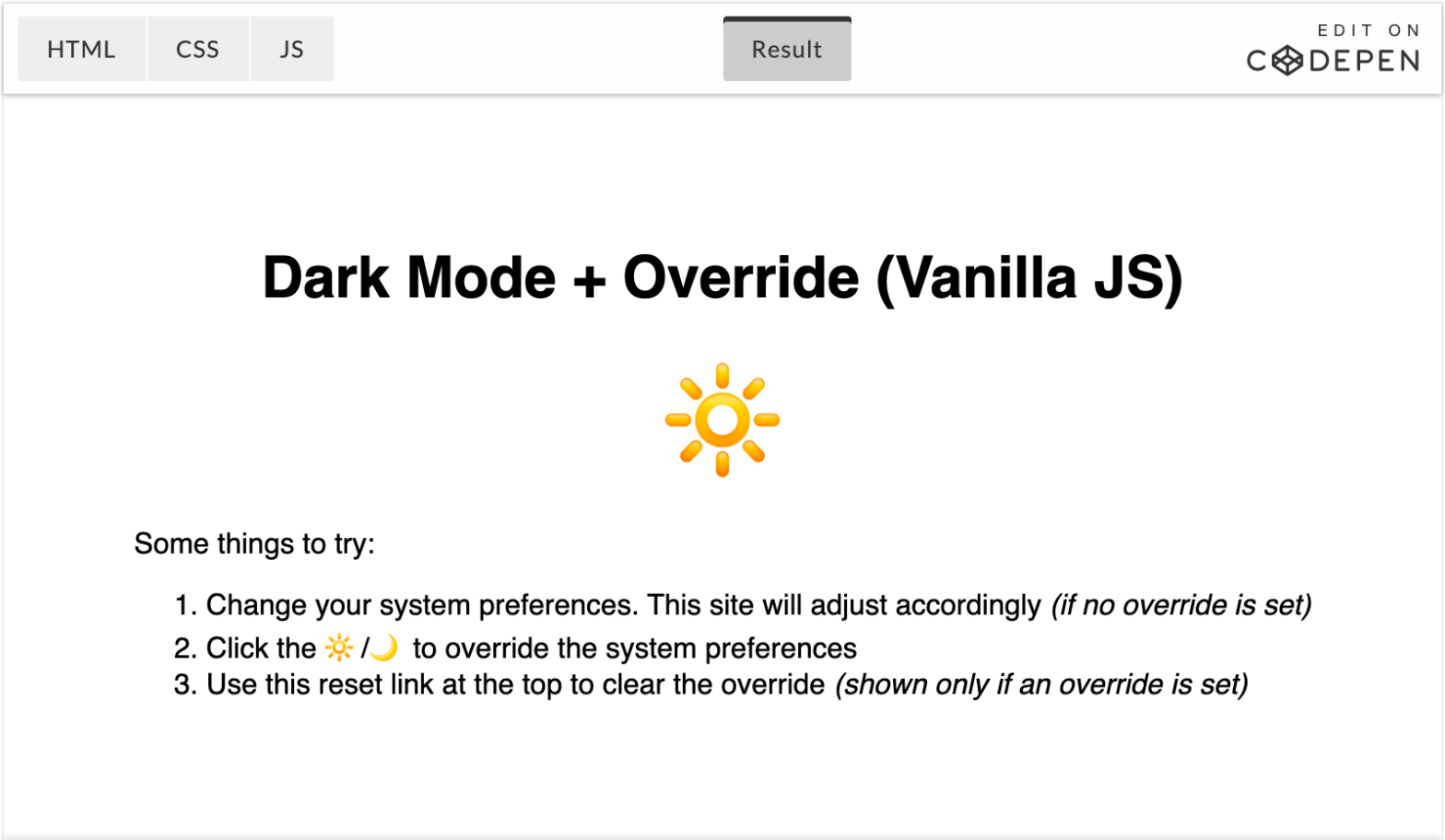
The Quest for the Perfect Dark Mode Toggle, using Vanilla JavaScript

In The Quest for the Perfect Dark Mode, Joshua W Comeau extensively explains how he has implemented the Dark Mode Toggle on his Gatsby-powered website. It follows the system’s light/dark mode preference, but also allows for an override which he persists in localStorage. The flow to decide if Dark Mode should be used or not …

Dark Mode and Variable Fonts

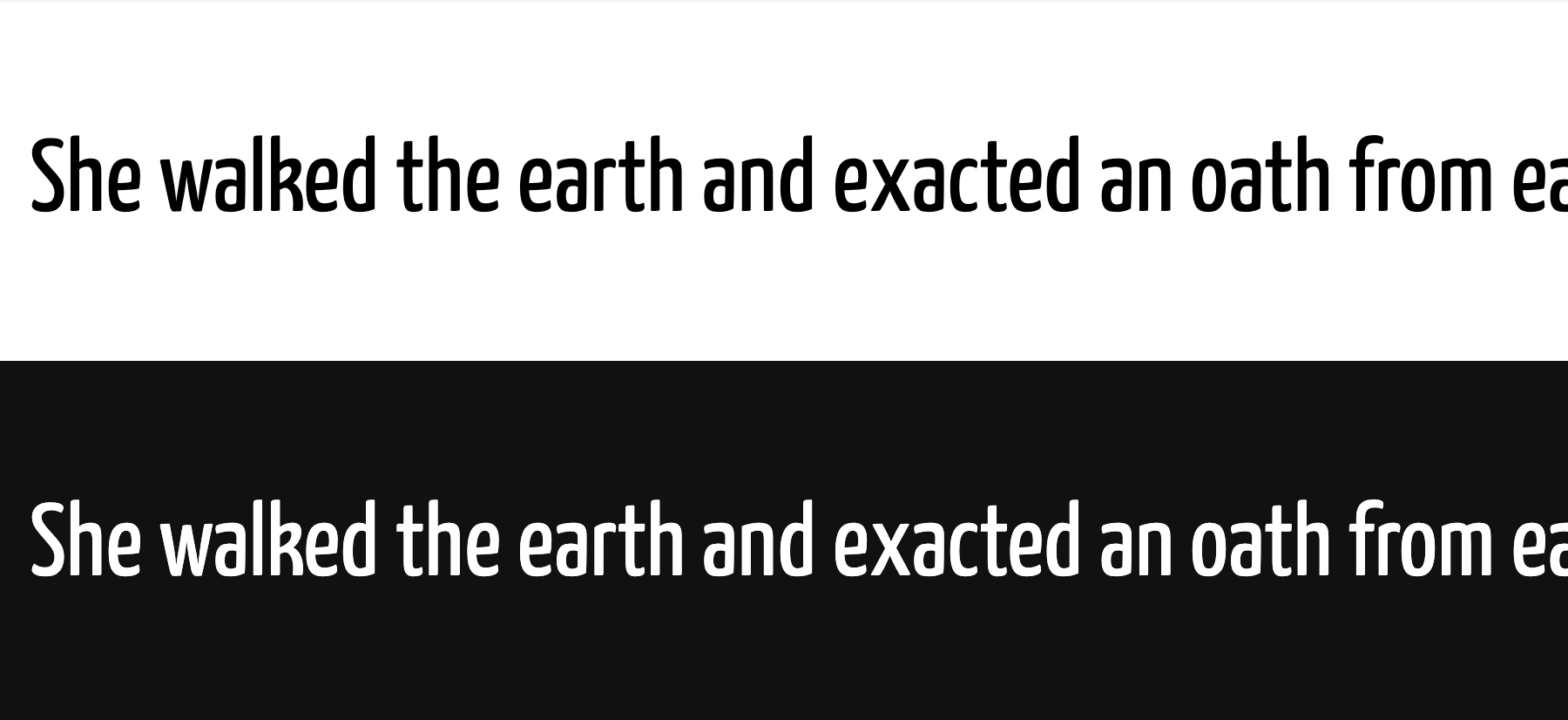
Robin Rendle writing for CSS-Tricks, on leveraging Variable Fonts when implementing a Dark Mode: Oddly enough, these two bits of text [shown above] are actually using the same font-weight value of 400. But to my eye, the white text looks extra bold on a black background. How do we fix this? Well, this is where …

Styling Ordered Lists with CSS Counters

Using CSS Counters, Josh W Comeau injects his own number in ordered lists. That way he can style the number itself separately. ol li { counter-increment: muffins; } ol li:before { content: counter(muffins) ". "; color: hotpink; } ol { list-style: none; counter-reset: muffins; } Apart from styling, I find this technique come in handy …

Create Diagonal Layouts with CSS Transforms

Layouts with diagonal sections are quite popular for several years now. It is not the new hot stuff, and you will probably not find it in the articles titled “Design trends for 2020”. But I think it is here to stay. It is one tool designers can use to bring some dynamic to all the …

The CSS place-items shorthand

Great tip by Umar Hansa: CSS Tip 💡️The place-items property is shorthand for the align-items and justify-items properties. Here's an interactive demo of how it works: https://t.co/4unHqw5R3o — Umar Hansa (@umaar) April 7, 2020 To center children both vertically and horizontally, you only have to use these two declarations: element { display: grid; place-items: center; …