Remotion – Create videos programmatically in React

Remotion is a suite of libraries building a fundament for creating videos programmatically using React. Leverage web technologies: Use all of CSS, Canvas, SVG, WebGL, etc. Leverage programming: Use variables, functions, APIs, math and algorithms to create new effects Leverage React: Reusable components, Powerful composition, Fast Refresh, Package ecosystem Also comes with a handy player …

code-server — Run VS Code on any machine anywhere and access it in the browser

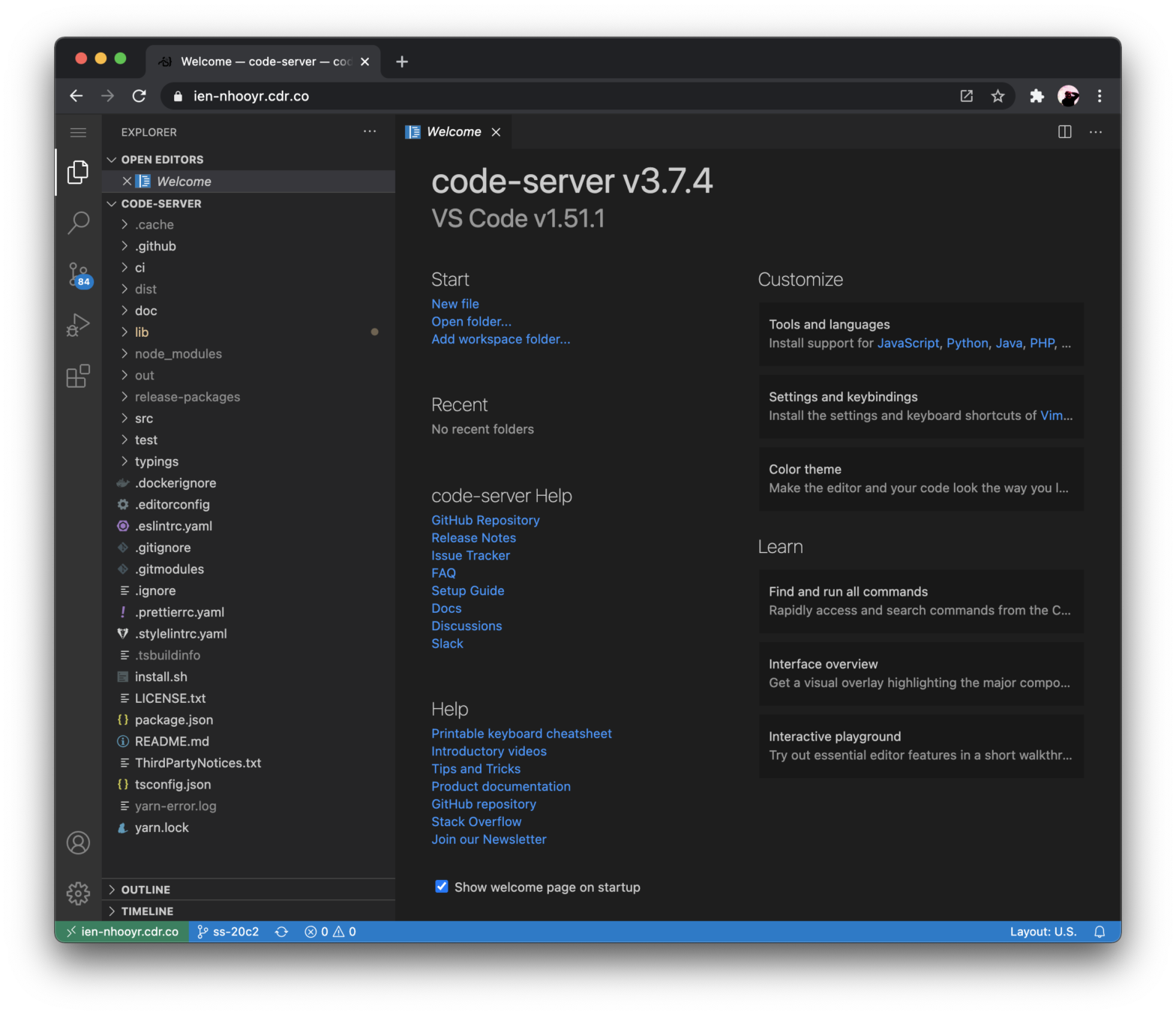
code-server allows you to run on any machine, preferably on a Cloud Server, and access it from anywhere. Yes, that means you can use VS Code on your iPad for example 😉 Once installed you’ll also need to set up authentication and the like. Alternatively you can run code-server –link and get a .cdr.co subdomain, …

GitHub1s — One second to read GitHub code with VS Code

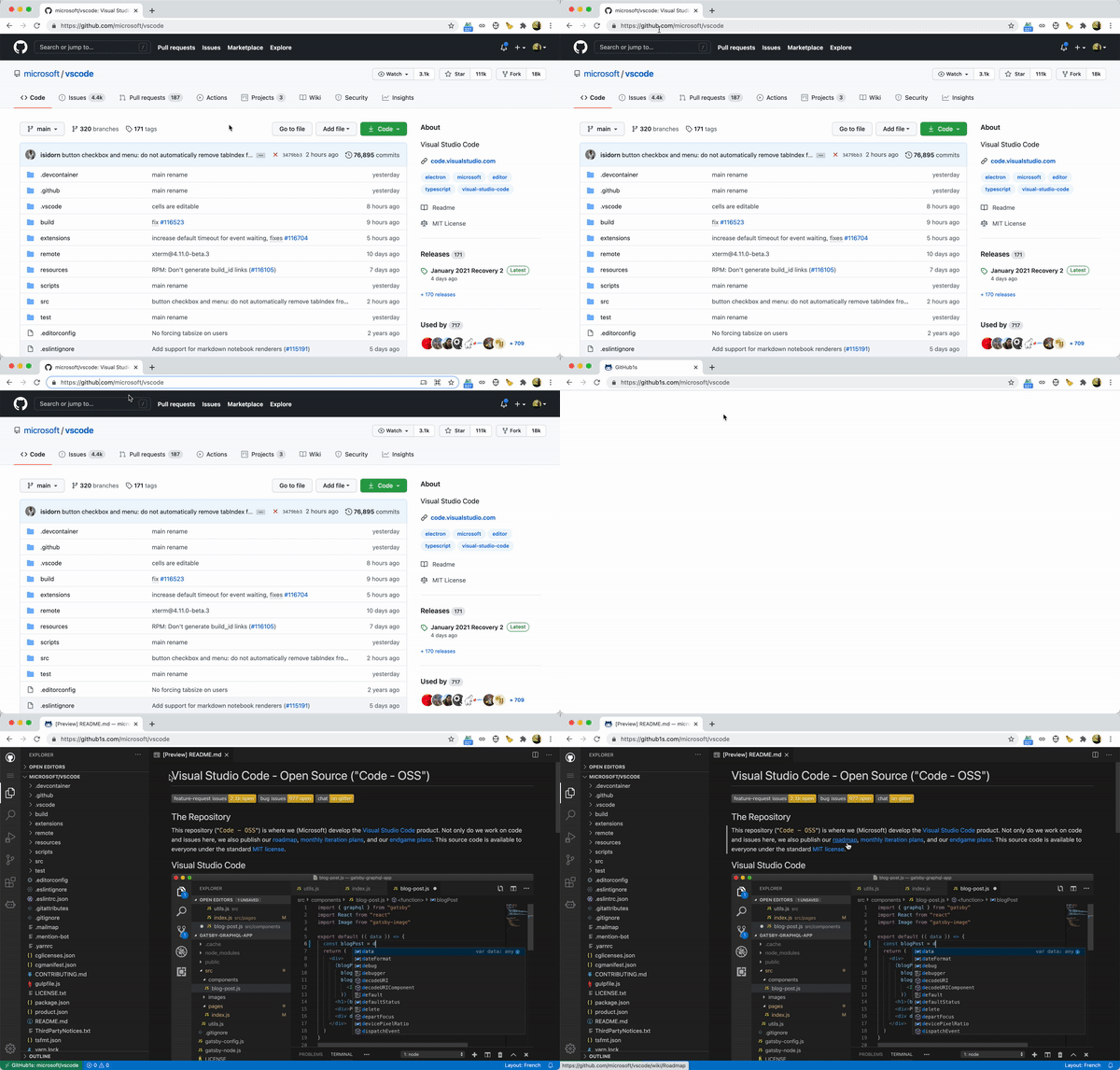
This tool — not endorsed nor affiliated with GitHub — lets you quickly load any GitHub repo in an online hosted Visual Studio Code environment. Just add 1s after github and press Enter in the browser address bar for any repository you want to read. Note that this is a *viewer* only, no editing. For …

About Us Pop-Out Effect

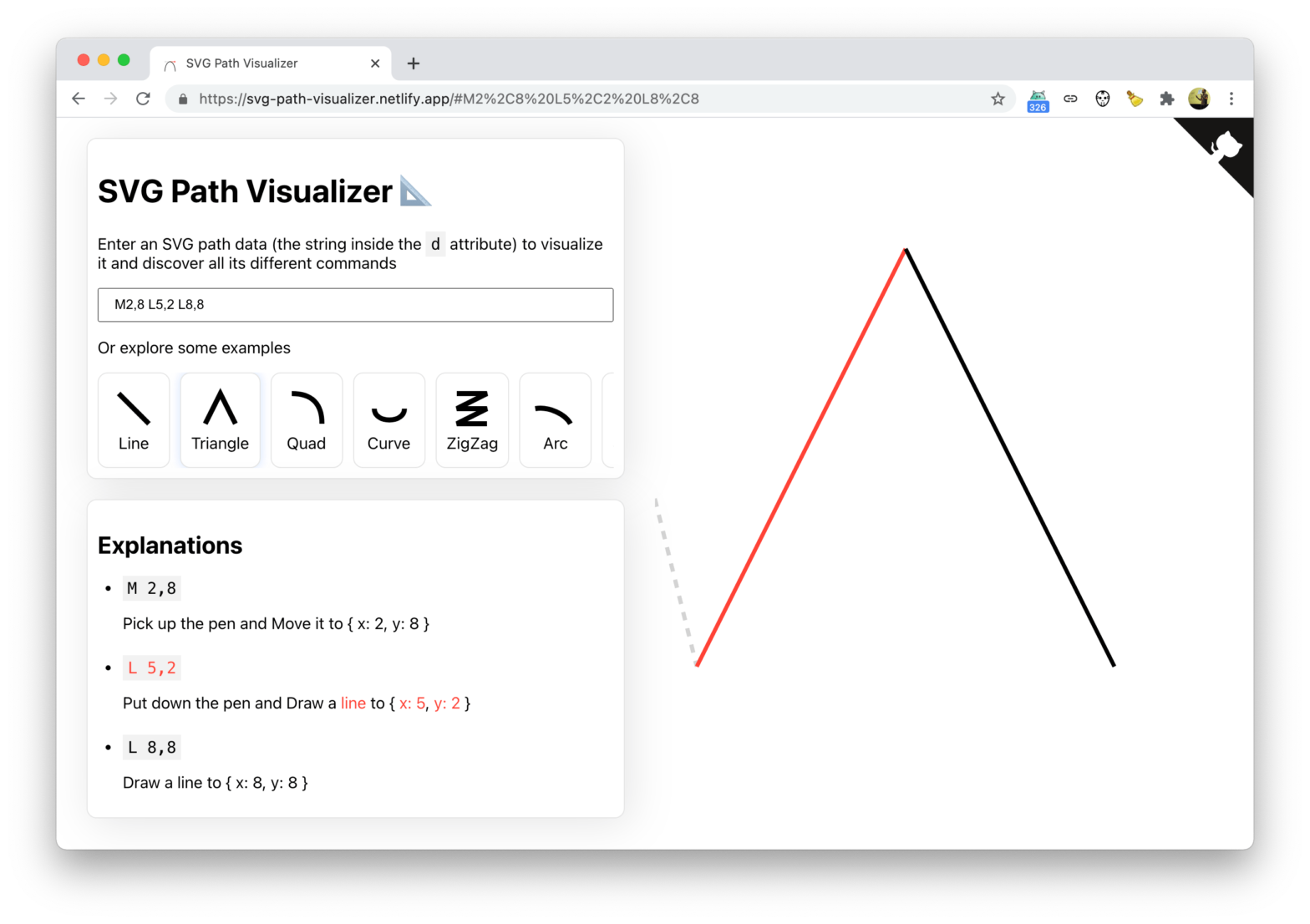
Cool demo that uses clip-path: path(…);, a feature that recently shipped with Chromium, making it supported in all three major rendering engines. See the Pen About Us Pop-Out Effect by Mikael Ainalem (@ainalem) on CodePen. Peeking under the hood – using the SVG Path Visualizer — you can see that it’s the .container-inner that is …

Use the Elgato Stream Deck in Google Meet with this Chrome Plugin

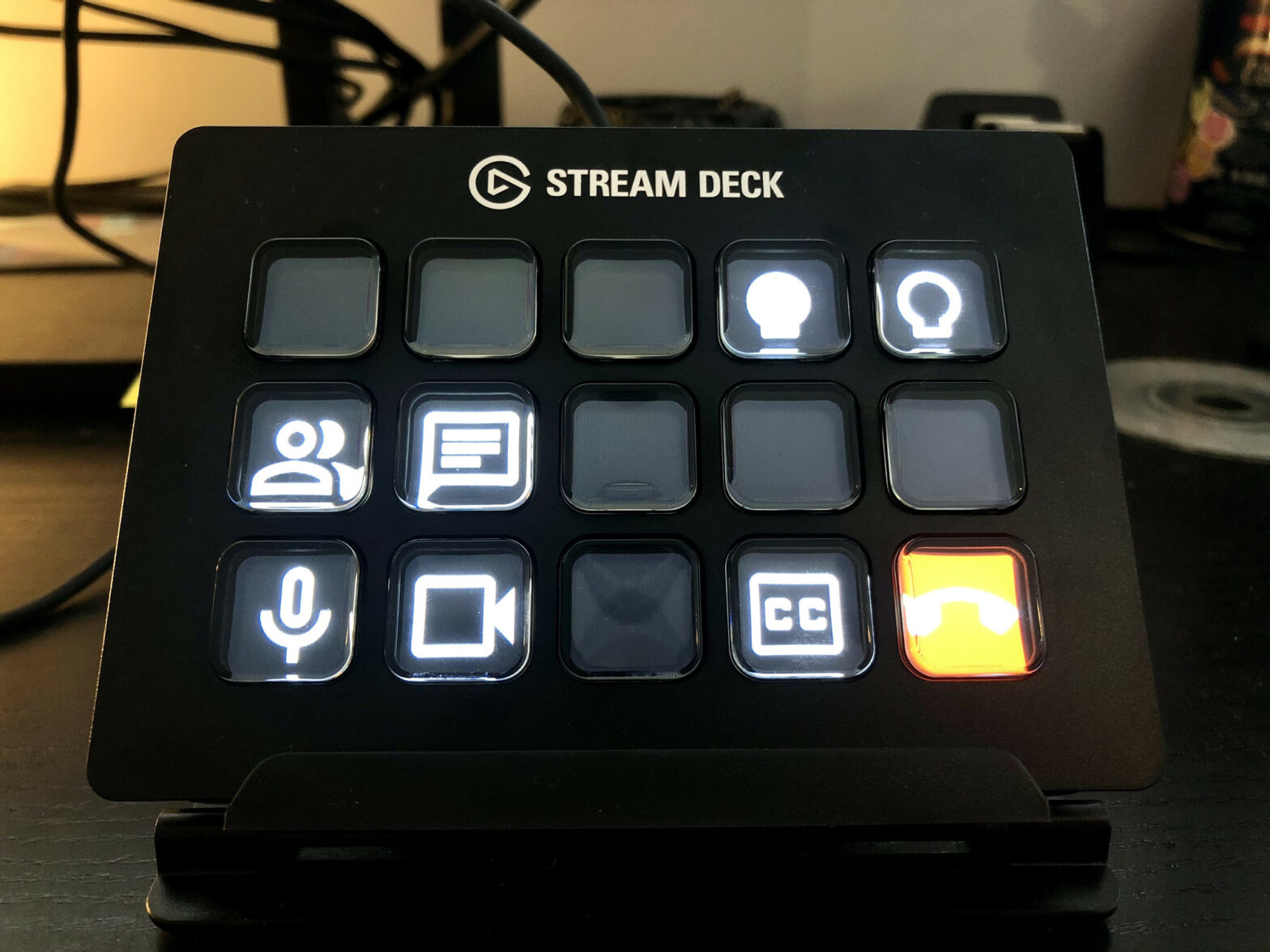
Recently I purchased an Elgato Stream Deck which comes in handy during video calls: toggling the camera and microphone on/off by means of a dedicated button sure is handy. As Google Meet is web-based, there are no plugins for the Stream Deck app to use. However, thanks to the WebHID API it is possible to …

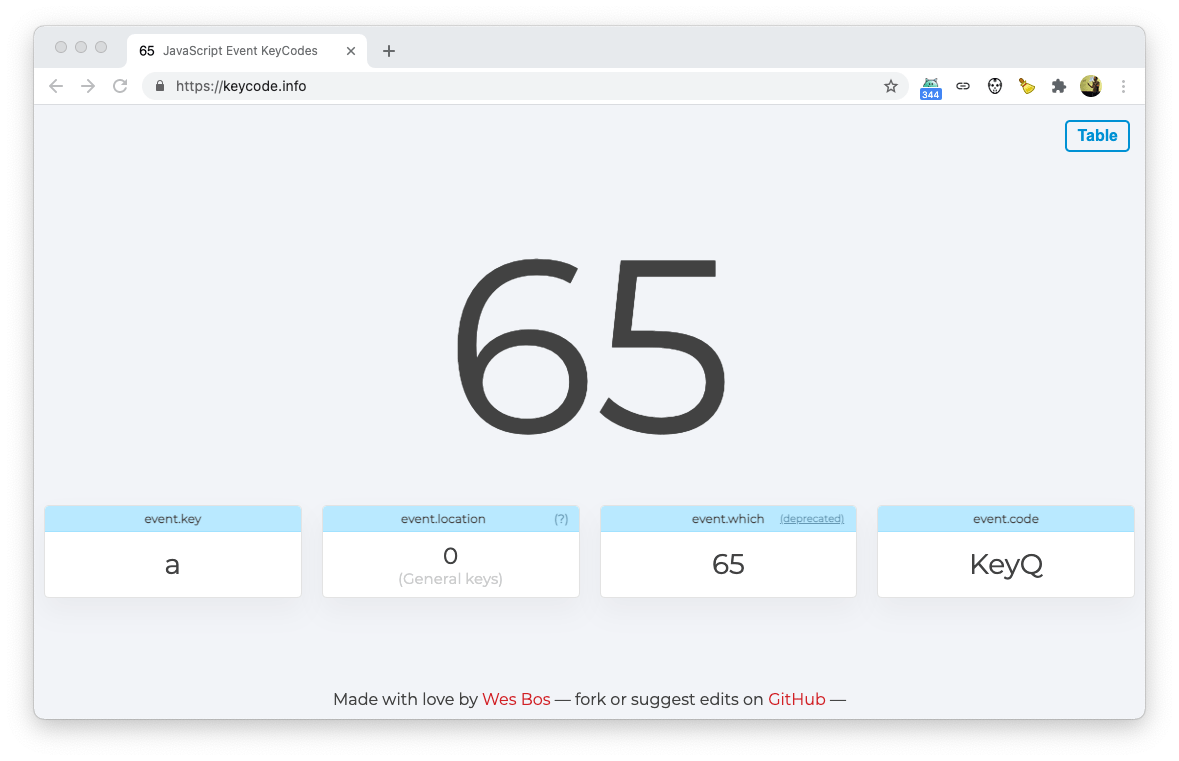
Easily see the JavaScript Keyboard Event KeyCodes with keycode.info

Handy helper tool by Wes Bos: simply press any key and see the results for KeyboardEvent.which, KeyboardEvent.key,KeyboardEvent.code, etc. As a user with an AZERTY keyboard layout I often have a broken experience on sites that respond to first row of keys, e.g. QWERTY. As those sites respond to KeyboardEvent.key — which differs from layout to …

How I Build JavaScript Apps In 2021

Tim Daubenschütz on how he builds JavaScript Apps In 2021 I avoid build processes. I avoid transpiling. I avoid the new and shiny. I test EvErYtHiNg. I optimize for performance and quality. I use my own work I use open source to my advantage. Don’t agree 100% with the third point though, as React Hooks …