content-visiblity: auto; vs. jumpy scrollbars, a solution

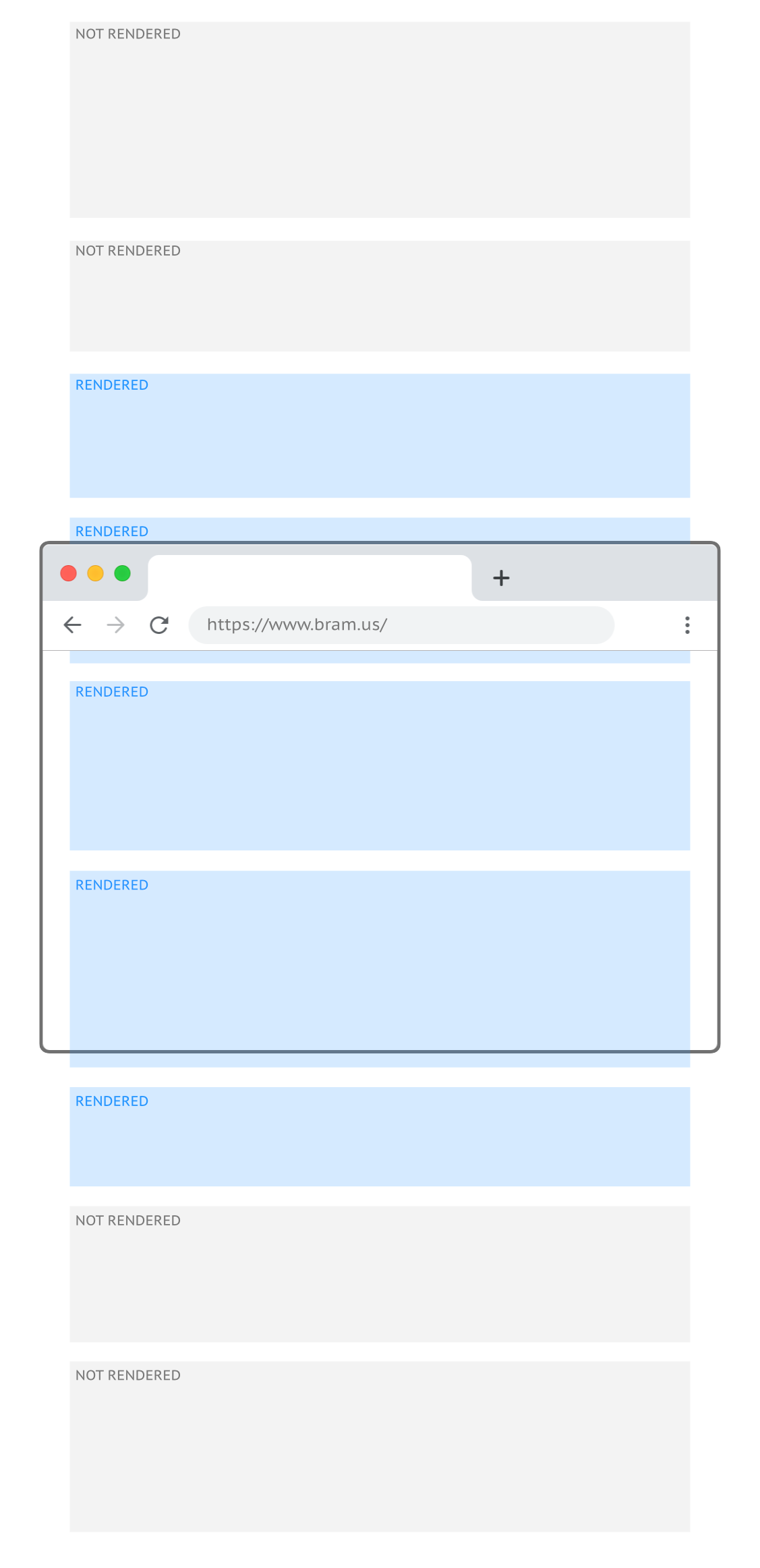
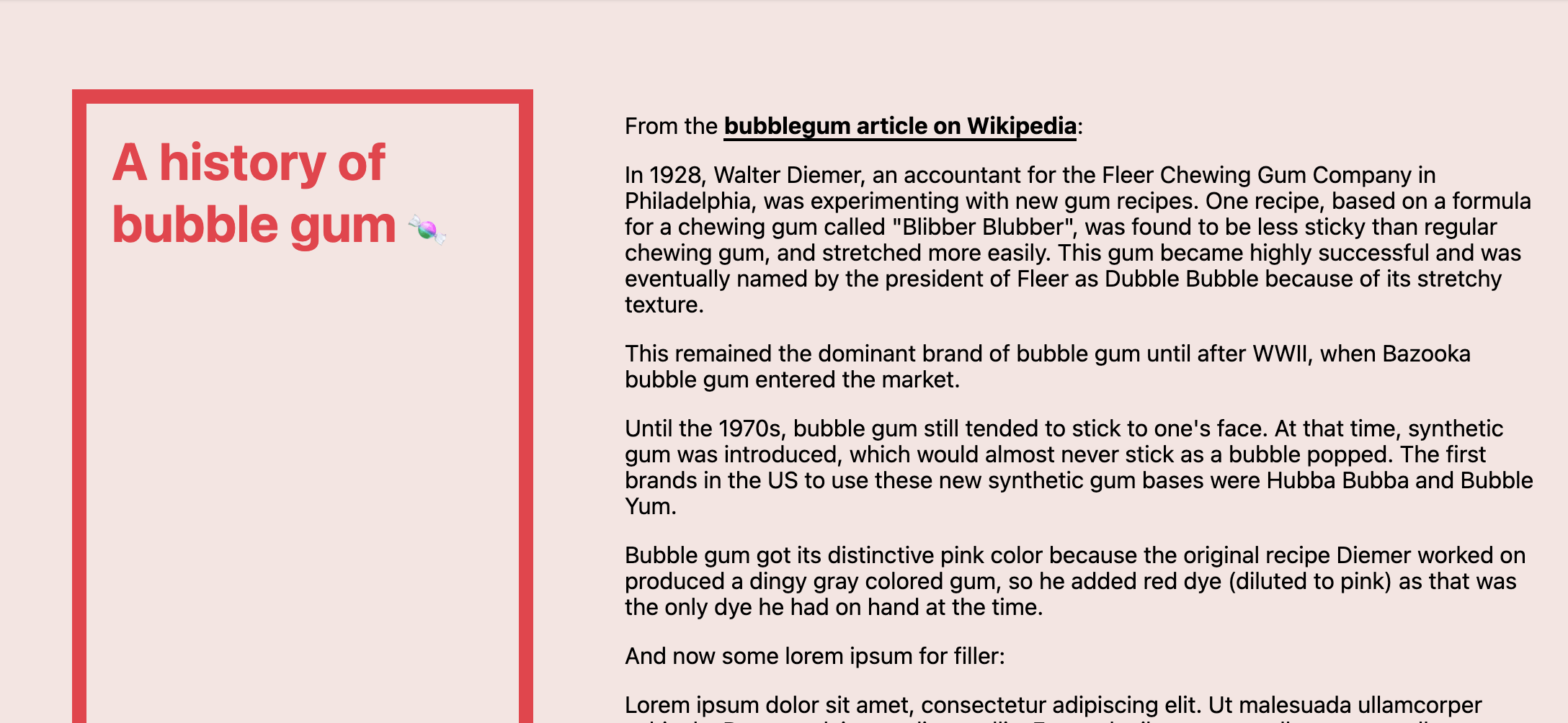
As warned in content-visibility: the new CSS property that boosts your rendering performance you need to be careful with applying content-visibility: auto; on each and every element as the scrollbar might get jumpy. This is because elements will be rendered as they scroll into the viewport and will be hidden as they scroll out of …

Sticky CSS Grid Items

Melanie Richards: If you’ve ever tried to put a sticky item in a grid layout and watched the item scroll away with the rest of the content, you might have come to the conclusion that position: sticky doesn’t work with CSS Grid. Fear not! It is possible to get these two layout concepts working together. …

Cyberpunk 2077 Button Glitch Effect in CSS

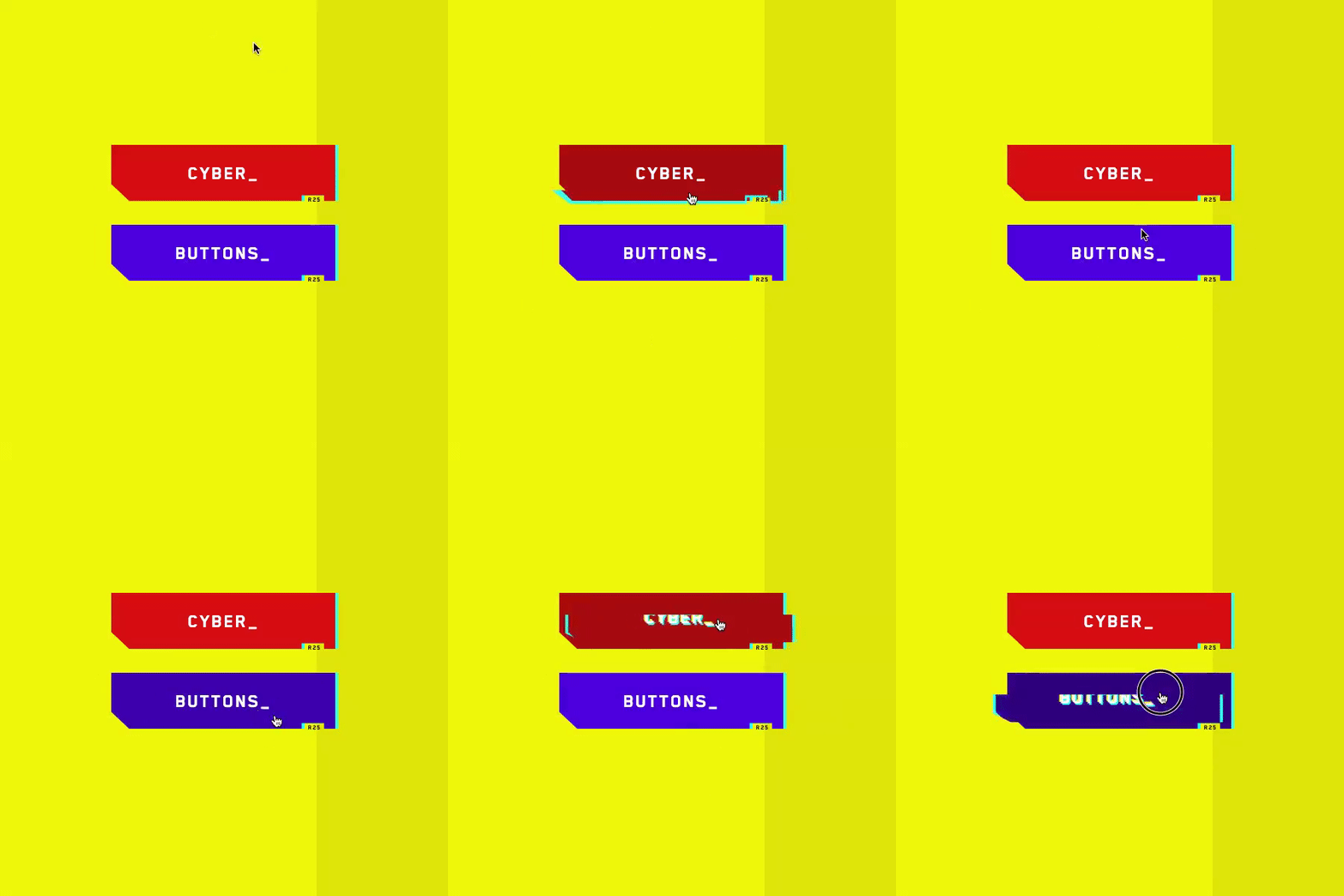
Wonderful demo by Jhey Tompkins, showcasing some recreated glitch effect buttons based upon Cyberpunk 2077. Recreate the Cyberpunk 2077 Button Glitch Effect in CSS → If you can’t quite follow there — as it’s quite a big demo — here’s a more simplified demo from 2015 featuring a simple glitch text effect: See the Pen …

What Makes CSS Hard To Master

Tim Severien: CSS may seem simple at first, but the learning curve isn’t linear; mastering it is hard. By no means is the language perfect, but it’s amazingly efficient at what it’s designed to do. Despite its simple syntax, there’s little it can’t do. What Makes CSS Hard To Master → Related: As Jeremy Keith …

Beyond Fast: Features to Improve the Performance of your Web Pages

Few tips by Jake Archibald — as presented at #ChromeDevSummit — on how you can use some of the new and upcoming web features to improve the performance of your page. Covered are the aforementioned content-visibility, Font metric override descriptors, the Back/Forward Cache, Portals, and Preloading

Creating random-but-stable effects with the CSS Paint API

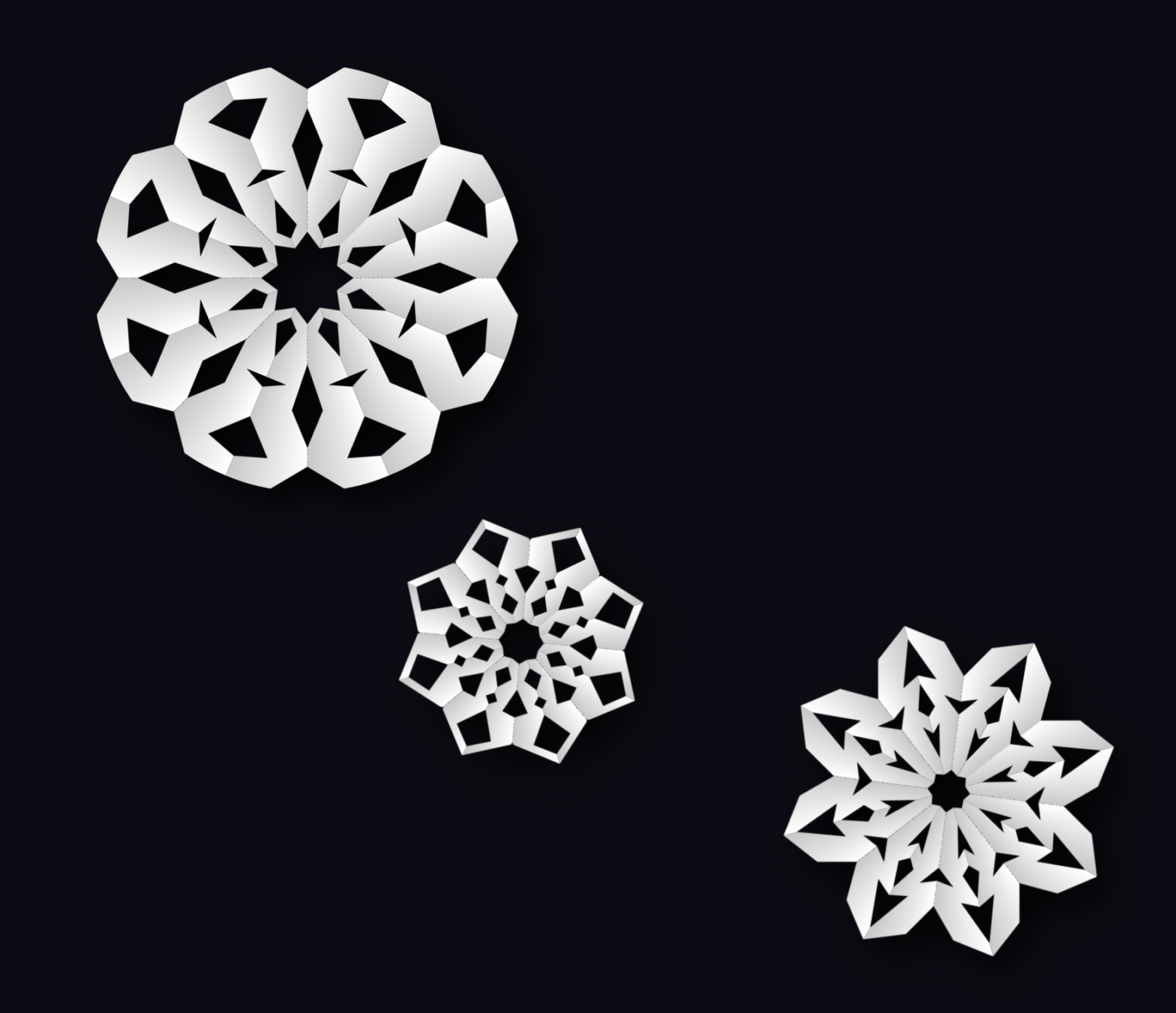
One of the side-effects when drawing things with a Houdini Paint Worklet and relying on Math.random() in your code, is that your layout might be jumpy. Check out my CSS Houdini Paint Worklet that draws colorful circles for example: whenever you resize the available space or change one of its properties — or some of …

css-houdini-circles — A Houdini Paint Worklet that draws Colorful Background Circles

Last night — inspired by the Paint Worklet demos on Houdini.how — I decided to give Houdini a spin myself and created my own Paint Worklet. The result is css-houdini-circles which draws a bunch of random circles on the background. As a user you can configure the number of circles, the size range, the opacity …

Extending CSS with Houdini

In this video from #ChromeDevSummit 2020, Una walks us through Houdini and the aforementioned houdini.how CSS Houdini is an umbrella term that describes a series of low-level browser APIs and worklets which enable developers to hook into the browser’s rendering engine and extend the styling capabilities of today. Learn about the various Houdini API’s, as …

Supercharging your CSS with Houdini Paint Worklets

During #ChromDevSummit, Houdini.how got announced: Houdini.how is a library and reference for Houdini worklets and resources. It provides everything you need to know about CSS Houdini: browser support, an overview of its various APIs, usage information, additional resources, and live paint worklet samples. Each sample on Houdini.how is backed by the CSS Paint API, meaning …