Designing in the Browser, Season 3

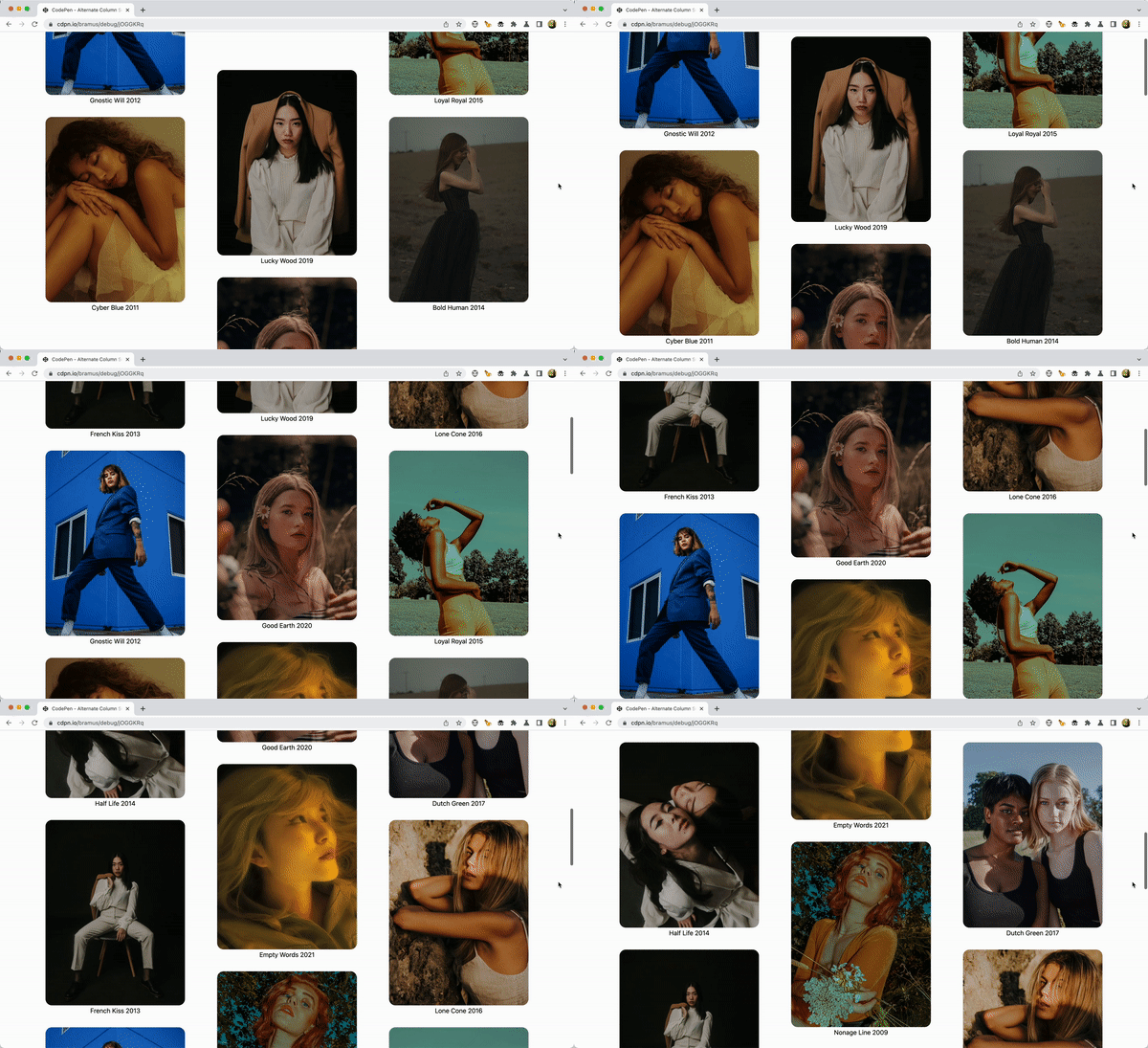
As part of Designcember, Google Chrome Developer Relations Engineer Una Kravets published season three of “Designing in the Browser”, a series of videos on exploring user interface design through the lens of modern web technology. In these short and on-point videos, you’ll learn about certain Web/CSS features and DevTools along the way. The third season …
Magic PostCSS Custom Combinators using :has()

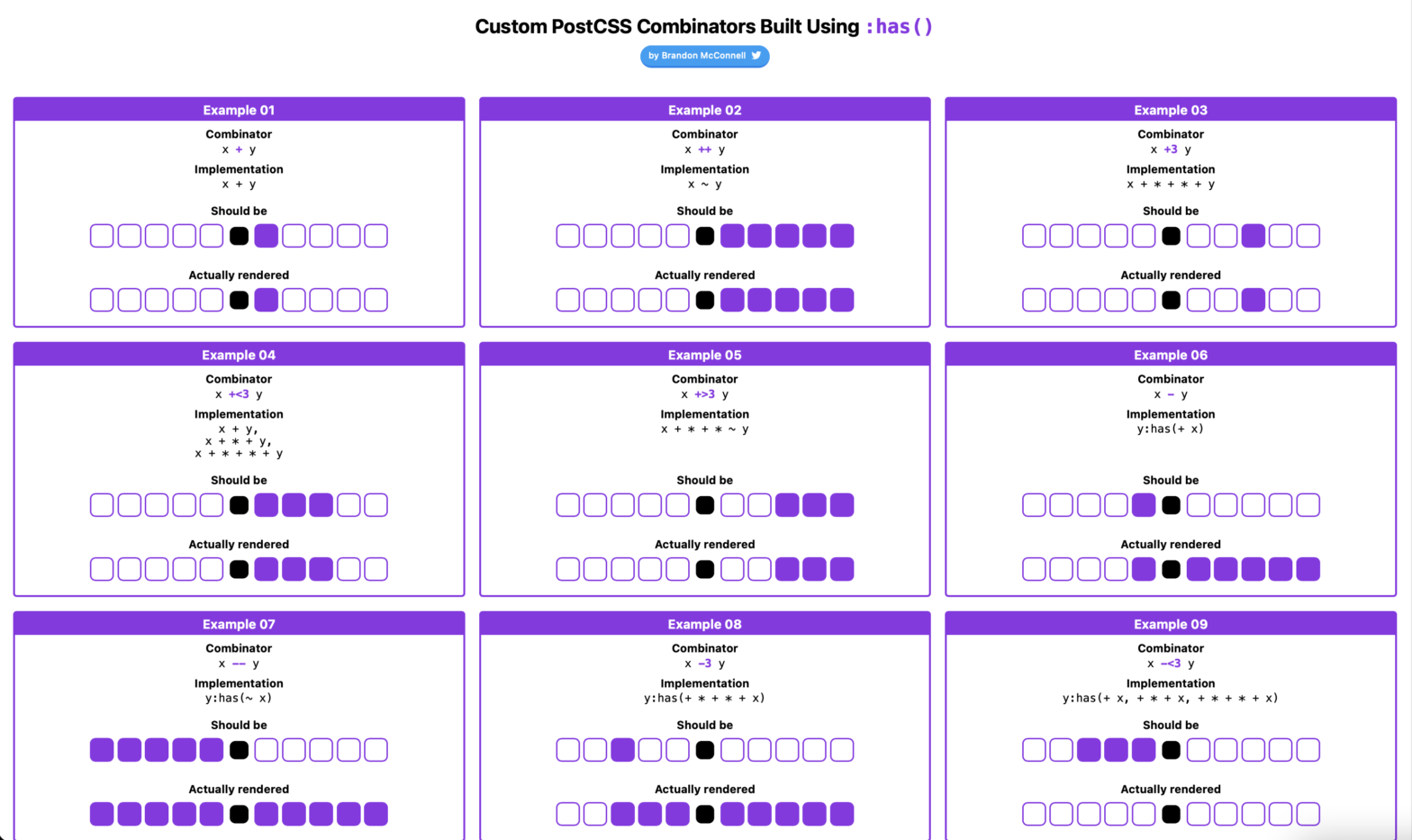
Similar to how you can (ab)use :nth-child() to create “new” CSS selectors, you can leverage :has() to create some typical combinators. Brandon McConnell did just that: y:has(+ x) selects the first preceding y sibling of x: y:has(~ x) selects all preceding y sibling of x: x + y, y:has(+ x) selects the first preceding and …

A story on web engines interoperability related to wavy text decorations

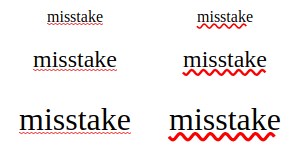
This is a blog post explaining the process of fixing an issue related to wavy text decorations in Blink, that ended up with a similar fix in WebKit. Interesting to read about the work and thought-process behind at-first sight “seemingly simple features” such as the wavy underlines for Spelling and Grammar errors. Be sure to …

hwb() – a color notation for humans?

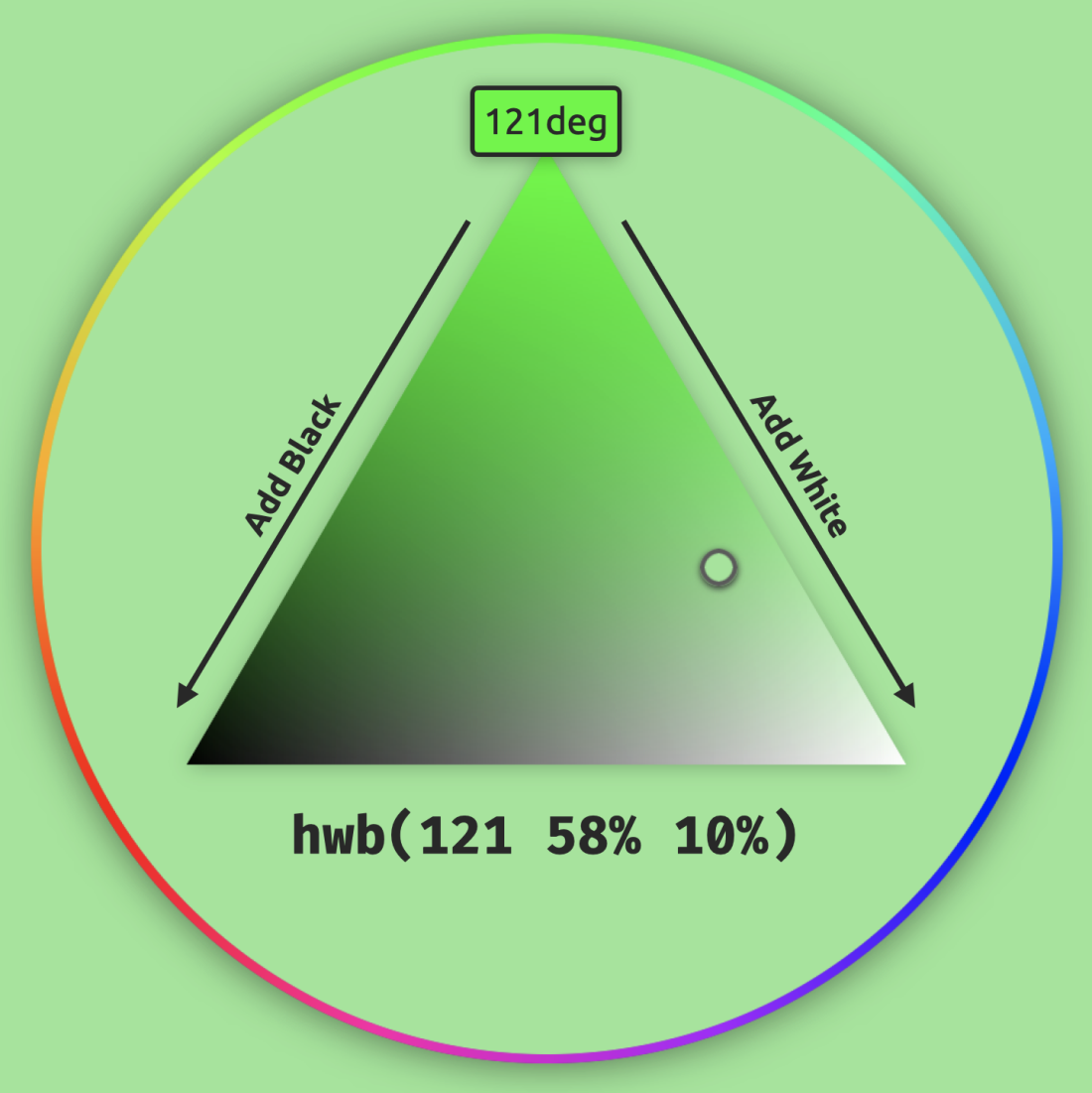
On the web we can define colors in several Color Spaces. By default we’ve always been using sRGB, but newer ones such as P3 are on the way. To describe a color in CSS (in the sRGB Color Space) we can use the functions rgb() and hsl() today already. Both are well supported, even in …

Organic Blobs in CSS with border-radius

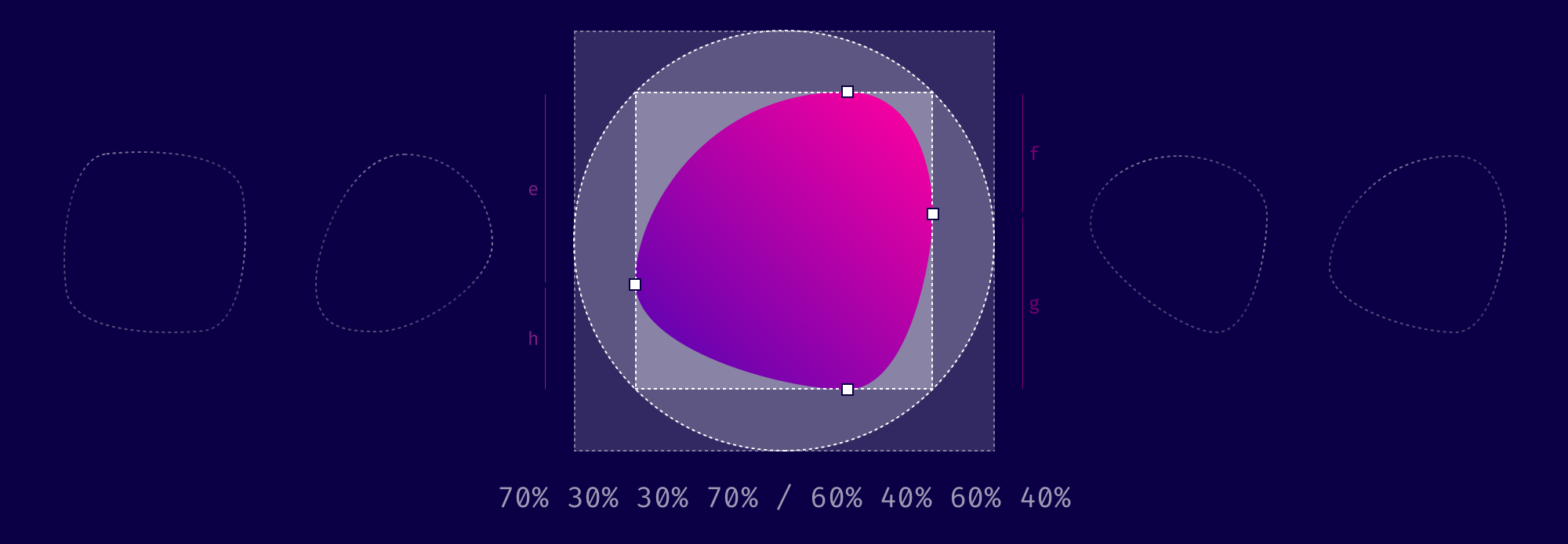
Nils and Mirko from 9elements create a handy tool to create blobs using border-radius. When you use eight values specifying border-radius in CSS, you can create organic looking shapes. Like so: border-radius: 40% 60% 60% 40% / 70% 30% 70% 30%; And as that’s CSS, you can also animate that easily: See the Pen Untitled …

The Fundamentals of CSS Layout

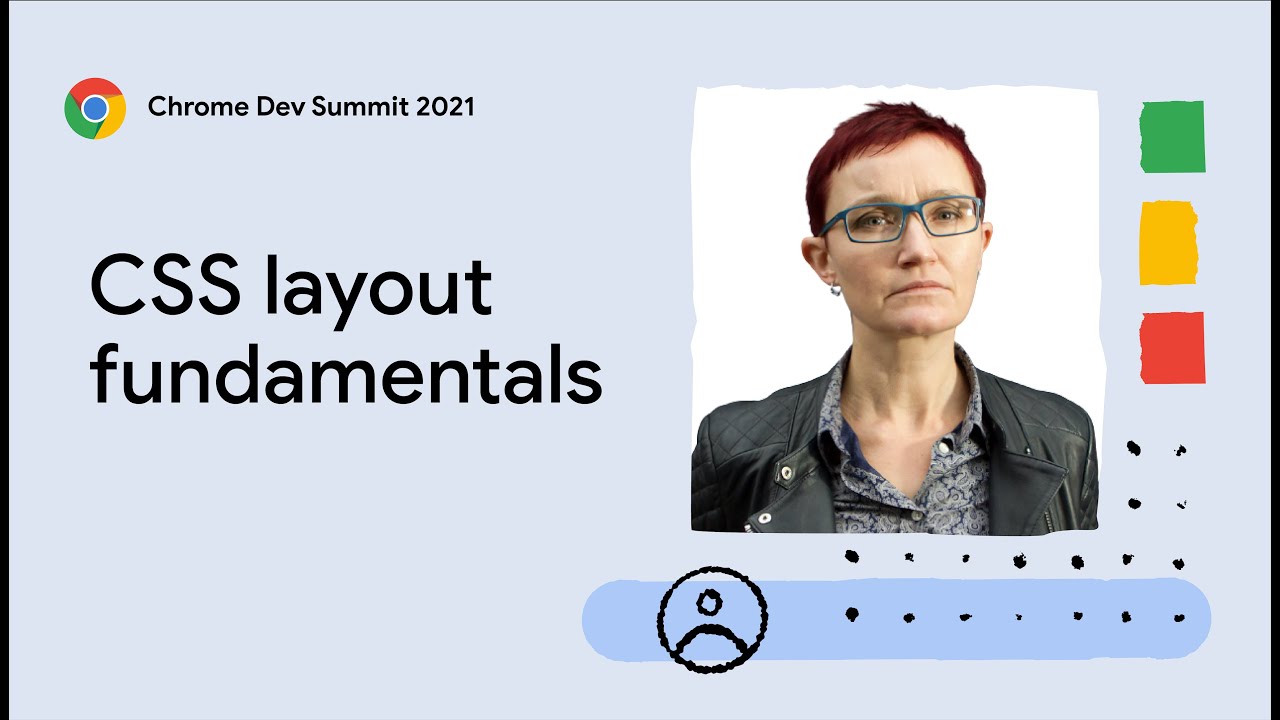
At Chrome Dev Summit 2021, Rachel Andrew hosted a workshop “The Fundamentals of CSS Layout”. If you’re looking to get started with CSS Grid and Flexbox, this is the video you’re looking for. In this 90-minute workshop you’ll learn about the key CSS layout methods of flexbox and grid. You’ll learn how these layout methods …

Create semi-transparent CSS background images by crossfading them with a transparent GIF

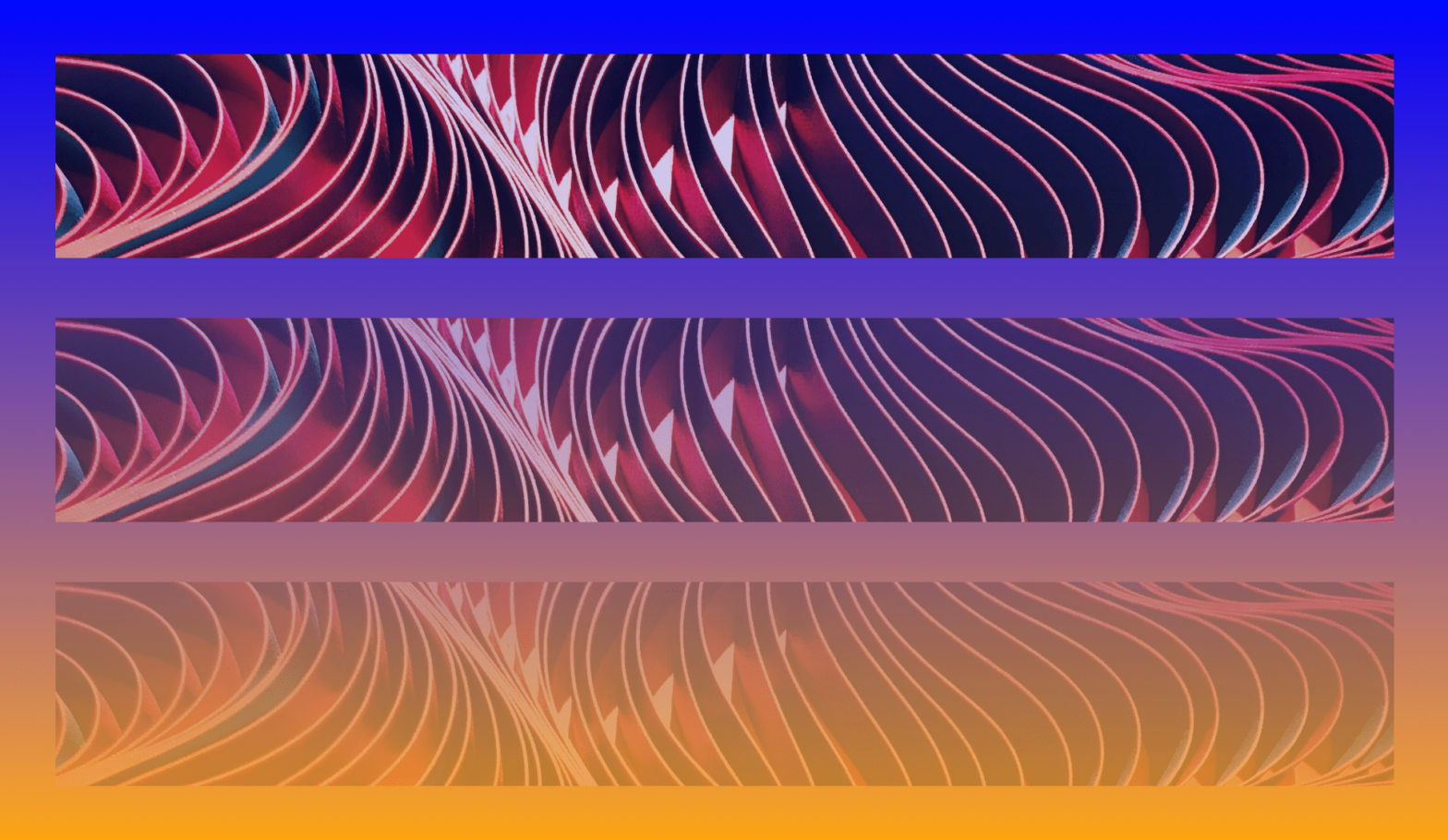
Nice work by Chris: when you crossfade an image — using the proprietary -webkit-cross-fade() — with a transparent gif, you can create semi-transparent background images. .el { background-image: -webkit-cross-fade( url(image.jpg), url(data:image/gif;base64,R0lGODlhAQABAIAAAAAAAP///yH5BAEAAAAALAAAAAABAAEAAAIBRAA7), /* transparent GIF, base64 encoded */ 50% ); Clever! WebKit/Chromium based browsers only though (i.e. no Firefox) Maybe there kinda is background-opacity? →