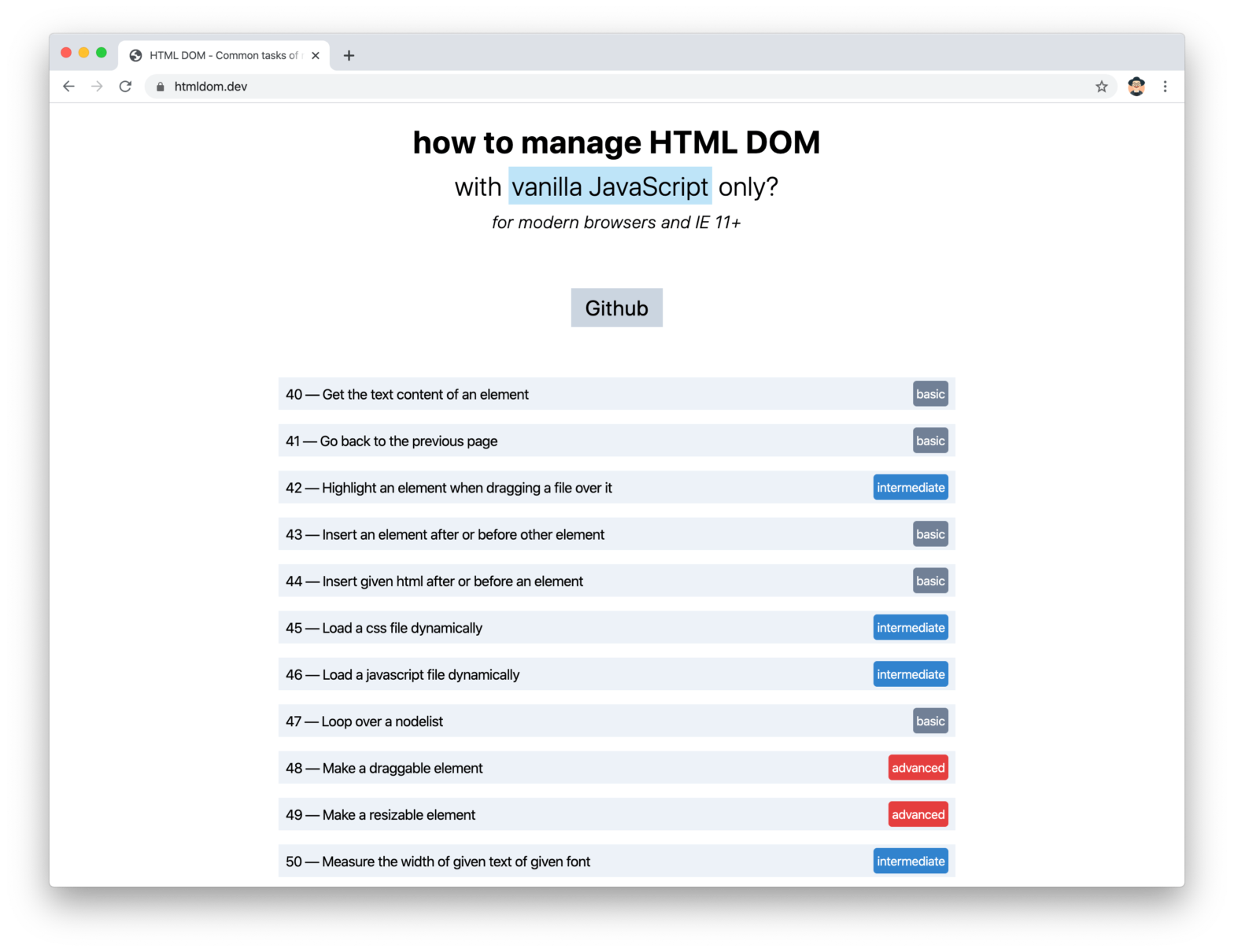
HTML DOM is a collection of JavaScript snippets to perform common tasks. No dependencies. HTML DOM →
A rather geeky/technical weblog, est. 2001, by Bramus
HTML DOM is a collection of JavaScript snippets to perform common tasks. No dependencies. HTML DOM →
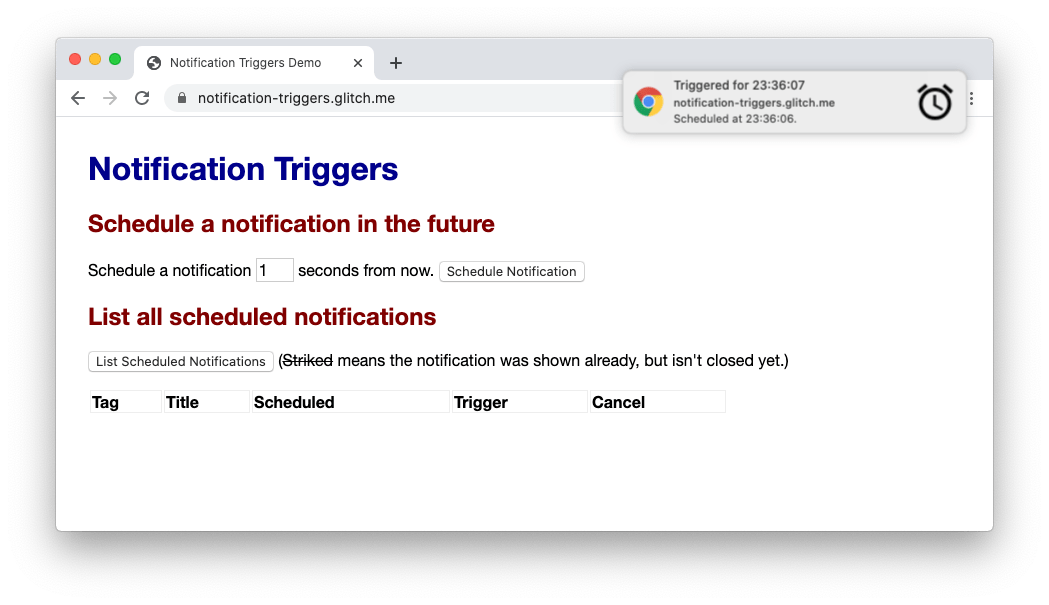
As of Chrome 80, the Notifications API became available as an Origin Trial. The problem with the Push API is that it’s not reliable for triggering notifications which must be shown when a particular condition, like time or location, is met. Notification triggers solve this problem by letting you schedule notifications with their triggering condition …
useAbortController – A React Hook to work with the AbortController
Kent C. Dodds recently floated this snippet around, a React Hook to easily work with the the AbortController: function useAbortController() { const abortControllerRef = React.useRef() const getAbortController = React.useCallback(() => { if (!abortControllerRef.current) { abortControllerRef.current = new AbortController() } return abortControllerRef.current }, []) React.useEffect(() => { return () => getAbortController().abort() }, [getAbortController]) const getSignal = …
Continue reading “useAbortController – A React Hook to work with the AbortController“

In ECMAScript 2015, default function parameters were introduced to the JavaScript language. These allow developers to initialize a function with default values if the arguments are not supplied to the function call. Initializing function parameters in this way will make your functions easier to read and less error-prone, and will provide default behavior for your …
Continue reading “Understanding Default Parameters in JavaScript”

Josh W. Comeau: Because sound is used so rarely on the web, it can be quite impactful. It’s a bit of a secret weapon, and it can make a surprisingly big difference for the right kinds of projects! To make it a bit easier to get started, I pulled out the hook I built for …
Continue reading “useSound – A React Hook for Sound Effects”
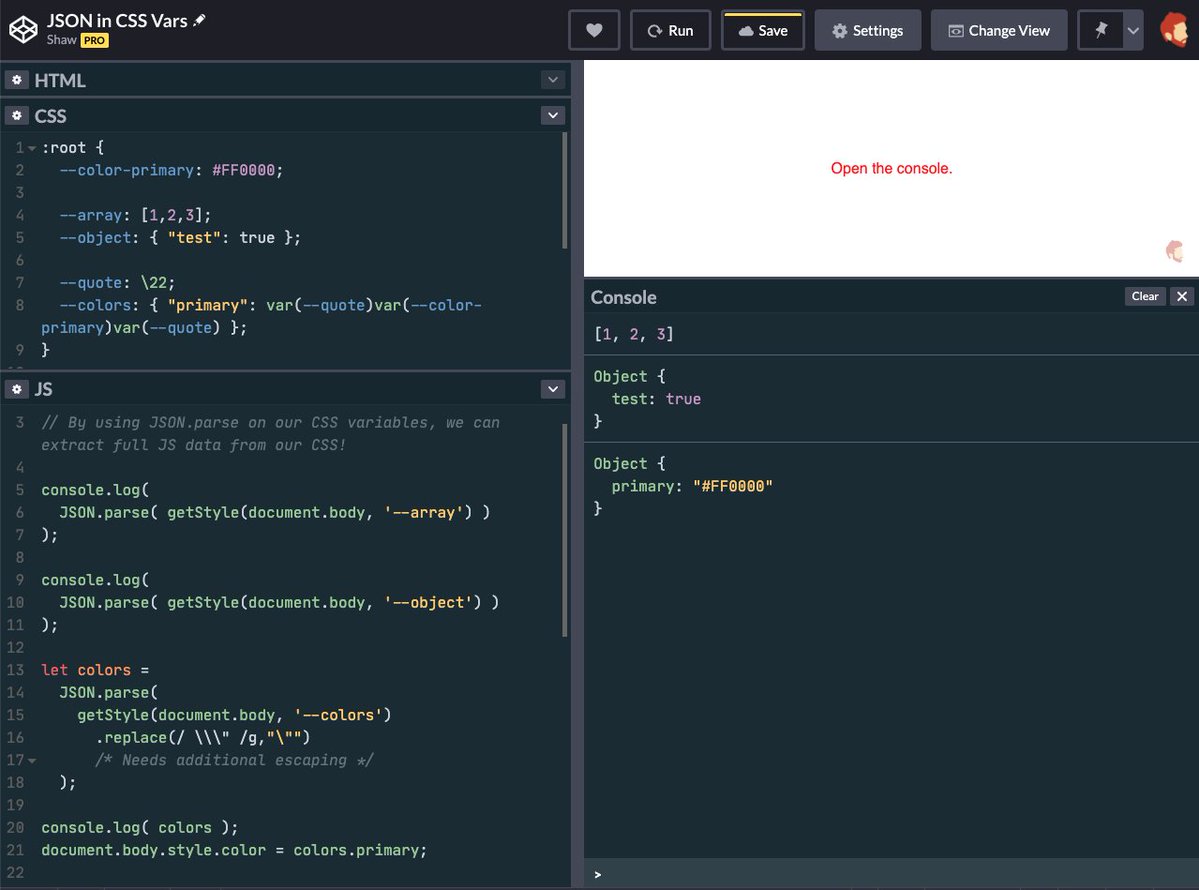
What happens when you combine the fact that part after the : for CSS Custom Properties doesn’t need to be valid CSS with window.getComputedStyle()? You get a way of passing data – including Arrays, Objects, and even JSON – from CSS to JavaScript. Psst… Hey kid… Did you know you can pass data from your …
Continue reading “Pass Data from CSS to JavaScript with CSS Variables”

Louis Hoebregts writing for CSS-Tricks When it comes to motion and animations, there is probably nothing I love more than particles. This is why every time I explore new technologies I always end up creating demos with as many particles as I can. In this post, we’ll make even more particle magic using the Web …
Continue reading “Playing With Particles Using the Web Animations API”

Christian Heilmann created a demo page where a user can add an image to the page through various ways. I gave myself the task to build an interface to make it as easy as possible for a user to add an image into the document. I wanted to support: Image upload Drag and Drop Copy …
Continue reading “Fun with browsers: how to get an image into the current page”
classnames-components – A classnames component wrapper to speed up styling React components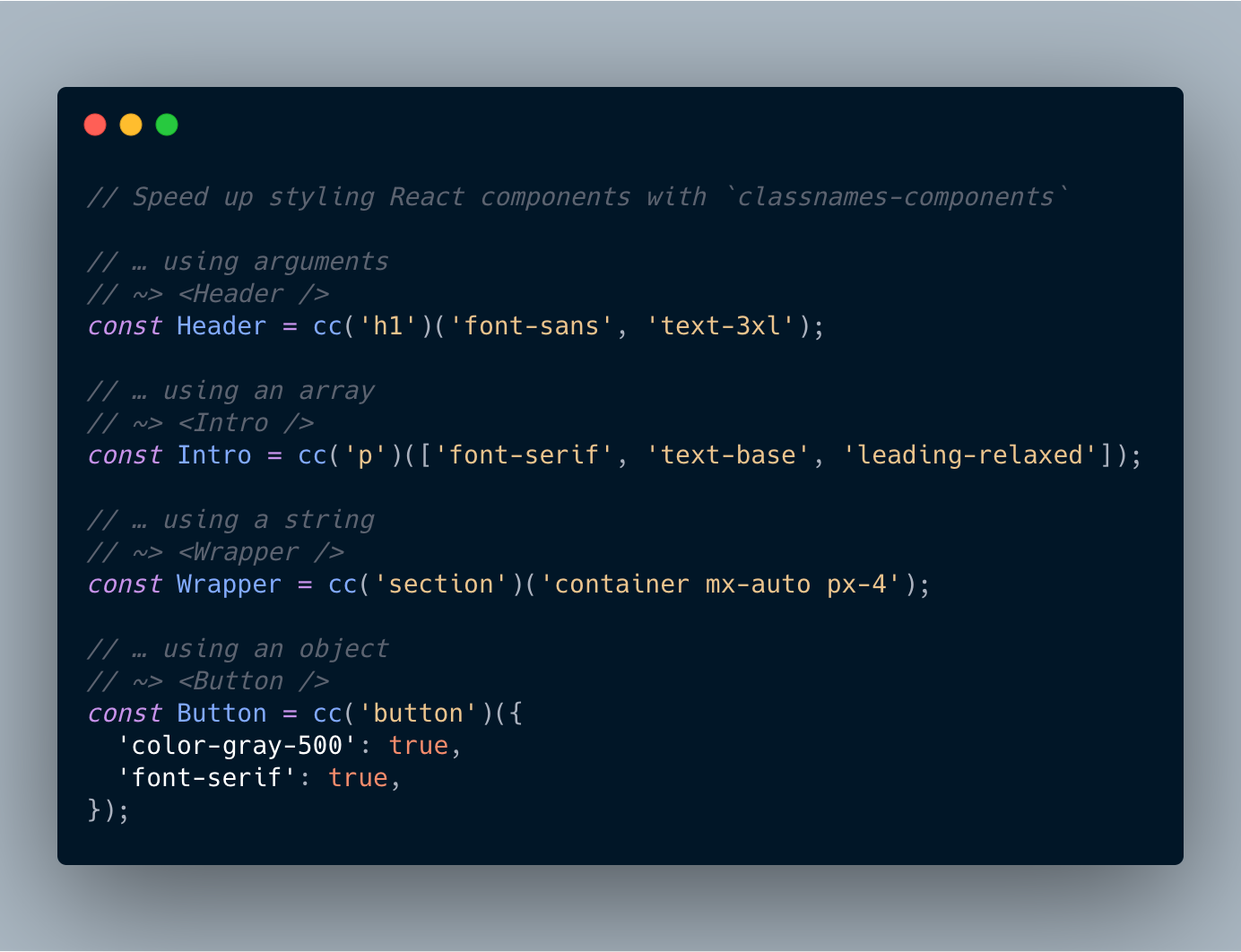
Geoffrey has created a handy package to quickly create React components that are built of an element with some CSS classes applied to them. Handy for when you’re working with CSS libraries such as Tailwind. import cc from 'classnames-components'; // using arguments const Header = cc('h1')('font-sans', 'text-3xl'); // using an array const Intro = cc('p')(['font-serif', …
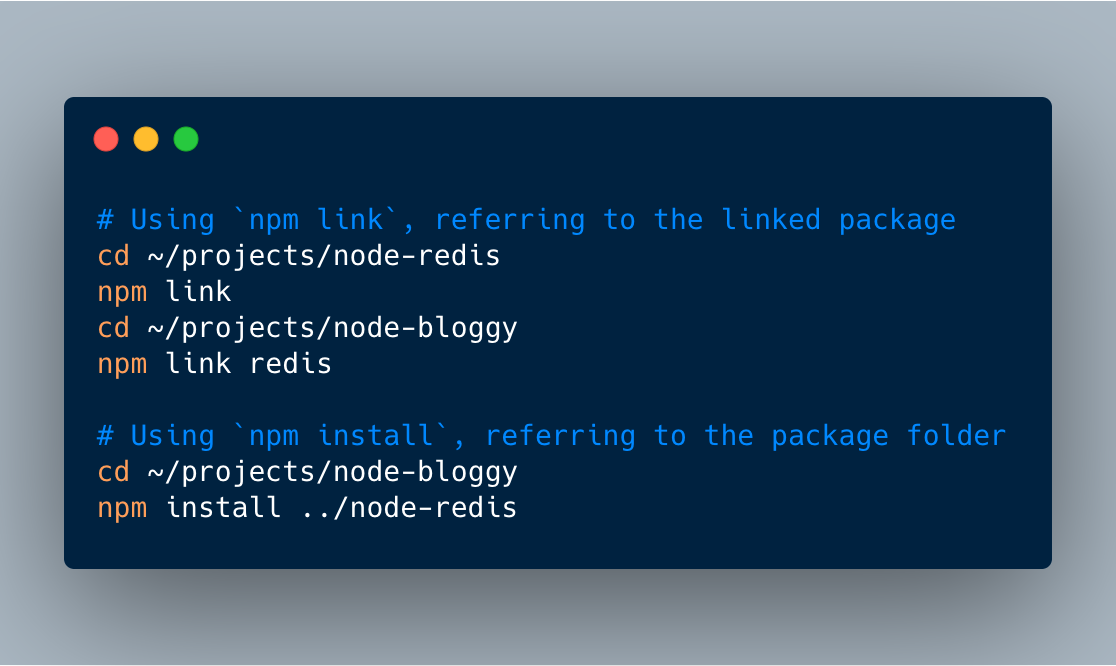
Directly installing a package with npm install and referring to its local path is a quick way to work with a local package. To be safe though, the usage of npm link is still recommended. The npm link way To work with local NPM packages on can reside to using npm link. You make a …
Continue reading “Easily install local NPM packages by simply referring to their local path”