Add Responsive-Friendly Enhancements to <details> with <details-utils>

Zach created a very handy Web Component that augments and wraps around a <details> element. He’s named it <details-utils>. This web component adds five new responsive-friendly enhancements to one or more <details> elements nestled inside: Force open/closed Click outside to close Close on esc Animate open/closed Toggle root element class Using attributes you can control …

Force DNS resolving in cURL with the --resolve switch

It’s possible to force DNS resolving in cURL using the –resolve switch. The –resolve switch allows you to tell curl which address to request when it would resolve a given hostname. The format of the argument is domain:port:ip # HTTPS Example curl -I -L https://domain.example.org/ \ –resolve domain.example.org:443:192.168.0.1 # HTTP Example curl -I -L http://domain.example.org/ …

DevTools for Tailwind

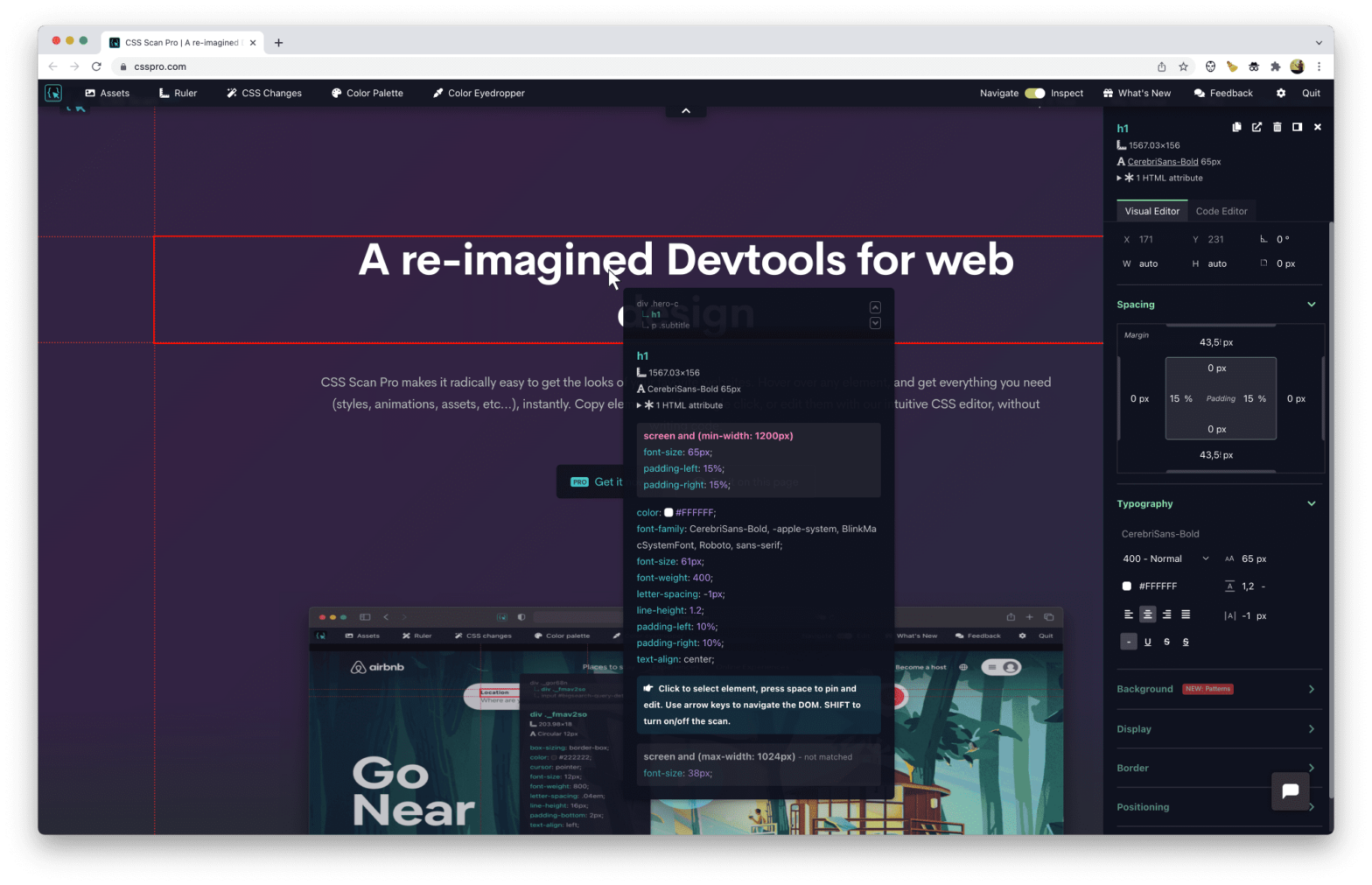
If Tailwind is your thing, the “DevTools for Tailwind” by the folks over at BeyondCode looks like a handy tool to have. The DevTools for Tailwind CSS bring back designing and debugging in your browser. You can use the full power of the JIT engine and even add classes like border-[30px] on sites that use …

Connect to a Database from CSS

You can’t connect to a database from within CSS, Right? Or can you? Leveraging Houdini and SQL.js — which is SQLite compiled to JavaScript to serve as in-memory DB — you can. Using some Custom Properties, you can pass in queries to be executed. .query-display { background: paint(sql-css); } main { –sql-query: SELECT * FROM …

edit.photo — The Free Photo Editor in your Browser

Rik Schennink, author of the aformentioned redact.photo recently published a new free webapp: an entire photo editor in the browser. No popups to close. No ads to ignore. No cookies to accept. No account to create. 100% Free ✨ Simply drag or paste your image onto it, and start editing. You can also create a …

MeshSpin.js

Meshspin.js is a simple and lightweight JavaScript library that lets you spin a 3D mesh object in your browser using SVG and JavaScript without dependencies. A default MeshSpin is defined as follows, but you can also define your own shapes and have it rotate by mouse movement. var mesh = new MeshSpin(); mesh.setup(‘wrapper’); mesh.run(); See …

The Mystery of the Changing Favicon

Alvaro Montoro recently had a weird issue where the favicon shown in Firefox differed from that in other browers, even though it was the same favicon.ico file. It was puzzling: the favicon worked differently depending on the browser. Chrome and Safari showed the correct favicon (with the corporate logo) while Firefox showed a completely different …