Show keystrokes on a website with the <show-keystrokes> custom element

When recording screen casts or doing live demos, I typically rely on a native macOS app to visualize my keystrokes on screen. Recently, however, that app got blocked on my work machine by a corporate security policy. Additionally, the keystrokes visualized through that app don’t show up when screen sharing a specific window or tab.

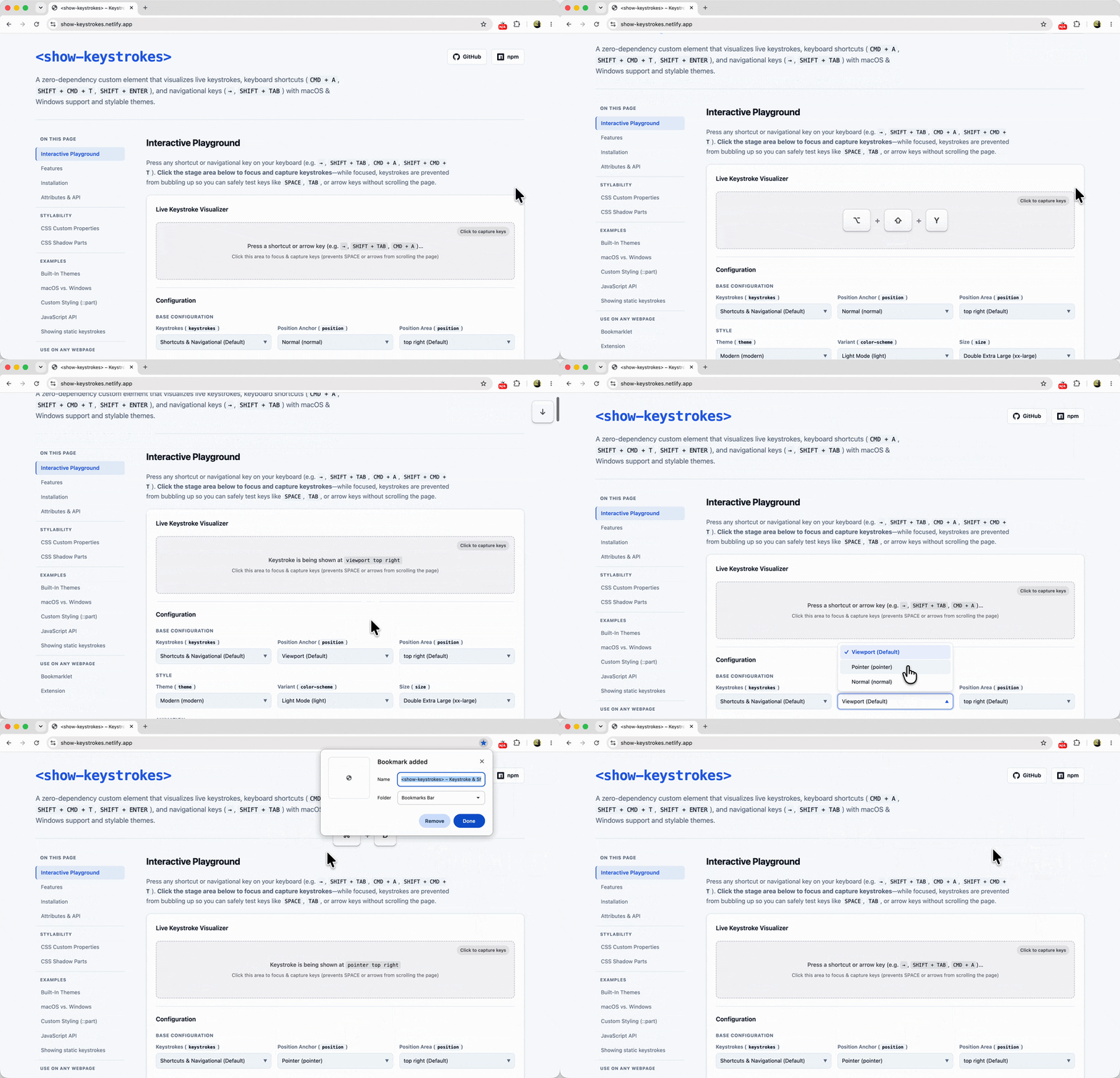
Because I needed to demo a website that relies heavily on keyboard navigation — and thus really needed those keystrokes to be visible to the audience — I found myself in a bit of a pickle. So with the help of Gemini, I decided to build a web-native solution to fill that gap: <show-keystrokes>

Chrome “Go Back With Backspace” Extension

With the release of Chrome 52, the backspace button no longer navigates back when pressing it. Highly annoying, because the navigating back with the backspace button is just very, very handy (it only requires one finger/hand!). “Go Back With Backspace” is the official Google released Chrome Extension that restores this behavior (other – non-Google developed …

Mousetrap

A simple library for handling keyboard shortcuts in Javascript // single keys Mousetrap.bind(‘4’, function() { highlight(2); }); Mousetrap.bind(‘x’, function() { highlight(3); }, ‘keyup’); // combinations Mousetrap.bind(‘command+shift+k’, function(e) { highlight([6, 7, 8, 9]); return false; }); Mousetrap.bind([‘command+k’, ‘ctrl+k’], function(e) { highlight([11, 12, 13, 14]); return false; }); // gmail style sequences Mousetrap.bind(‘g i’, function() { highlight(17); …