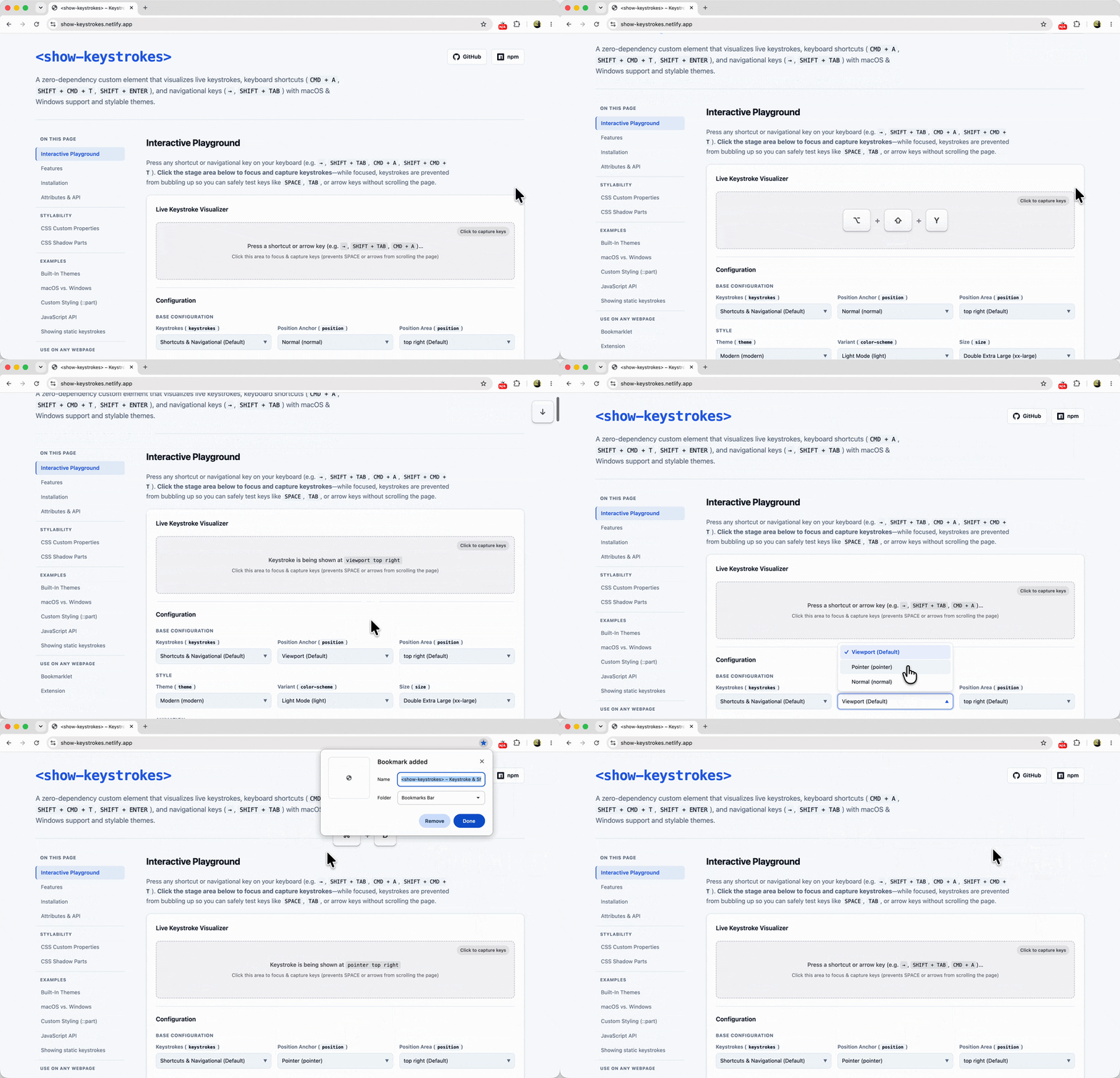
When recording screen casts or doing live demos, I typically rely on a native macOS app to visualize my keystrokes on screen. Recently, however, that app got blocked on my work machine by a corporate security policy. Additionally, the keystrokes visualized through that app don’t show up when screen sharing a specific window or tab.
Because I needed to demo a website that relies heavily on keyboard navigation — and thus really needed those keystrokes to be visible to the audience — I found myself in a bit of a pickle. So with the help of Gemini, I decided to build a web-native solution to fill that gap: <show-keystrokes>