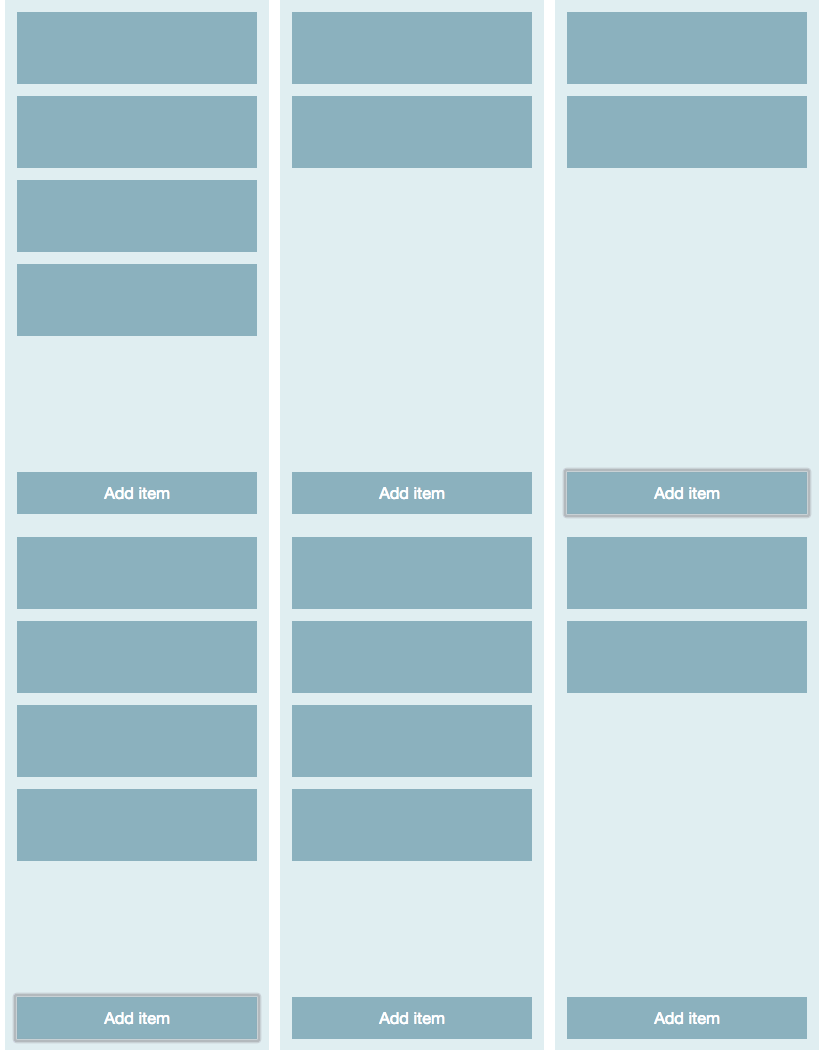
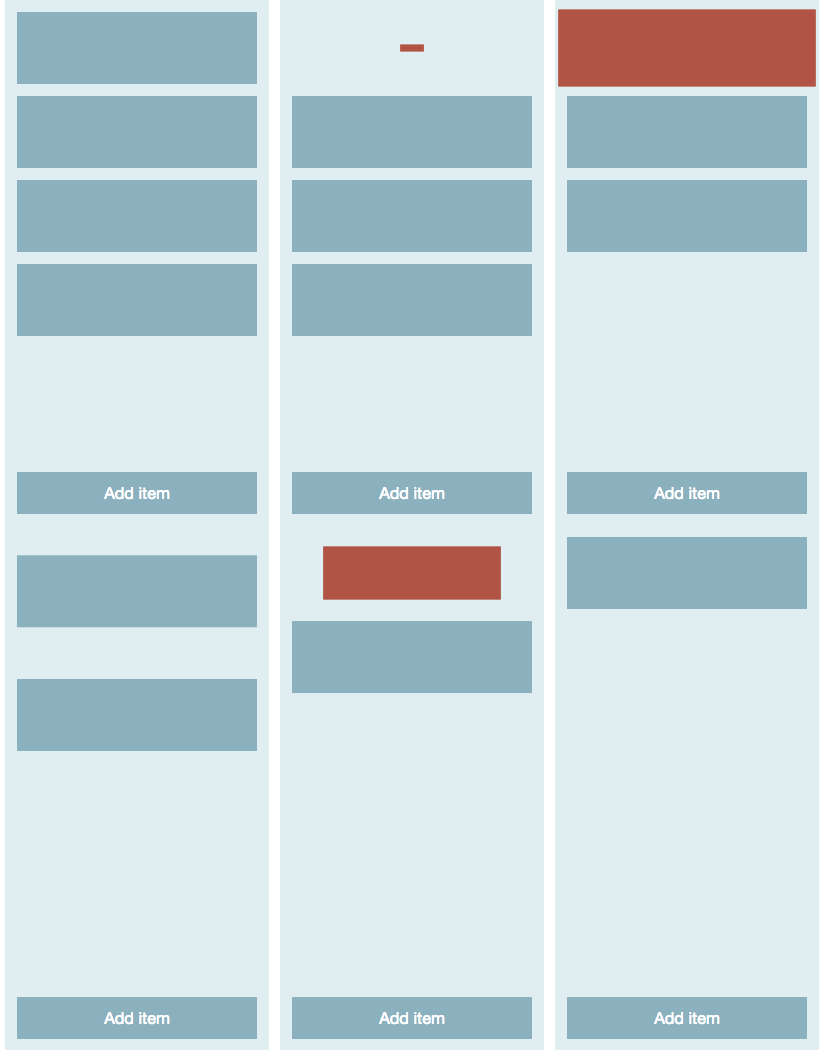
React Interface without (left) and with (right) animations
In this article, I am going to use the official components from React.js addons. There are other components/libraries that are better for the job but at the end of the article you will get a good amount of React.js animation practice to better understand these other components.
First the CSSTransitionGroup is covered:
const List = ({items, onRemoveItem}) => {
  const listItems = items.map((item, idx) => {
    return <ListItem key={item} onClick={onRemoveItem.bind(this, idx)}/>
  })

  return (
    <div className="list">
      <CSSTransitionGroup transitionName="list__item-" transitionEnterTimeout={500} transitionLeaveTimeout={500}>
        {listItems}
      </CSSTransitionGroup>
    </div>
  )
}
@keyframes add-item {
from { transform: scale(0, 0); }
75% { transform: scale(1.1, 1.1); }
to { transform: scale(1, 1); }
}
@keyframes remove-item {
from { transform: scale(1, 1); }
25% { transform: scale(1.1, 1.1); }
to { transform: scale(0, 0); }
}
.list__item--enter {
animation-name: add-item;
animation-duration: 500ms;
}
.list__item--leave {
background: #bf4a3c;
animation-name: remove-item;
animation-duration: 520ms;
}Once you get the gist of CSSTransitionGroup, the move to the underlying TransitionGroup (which gives you more control, yet is more “raw” in use) is easy
Improve React.js apps with Motion Design →
Improve React.js apps with Motion Design Source (GitHub) →
