 It isn’t a secret that one can script Photoshop to automate some tasks. Heck, one could even write a program and steer Photoshop. Hereby I’m posting a script that I’ve been using quite regularly.
The interest in scripting Photoshop started when Thomas and I discovered Chlomoscript when researching lomography.
The script itself is quite heavy, both on CPU and in the result. After playing around with Chlomoscript, we came to the stage where we would actually run the Chlomoscript and – once the result was there – we would disable some layers and tweak some layers their transparancy since we didn’t want to use all of the actions that came with Chlomoscript; in some cases we just wanted to pimp some low-contract pics and add some colour to it.
Since Photoshop scripts are plain javascript, it wasn’t hard for me (I’m the techie, Thomas the designer) to adjust it so we would bypass the repetitive manual “fooling around with the Chlomoscript layers”-part. This would increase the speed by which the results came (fyi: Chlomoscript is really heavy!) and would immediately give the result we wanted.A first run at minimizing Chlomoscript was entitled “HomoScript” (don’t ask me how we got to that name, we just got there). Later on some more fiddling was done and this resulted in a script dubbed “LesboScript” (or just Homoscript V2).
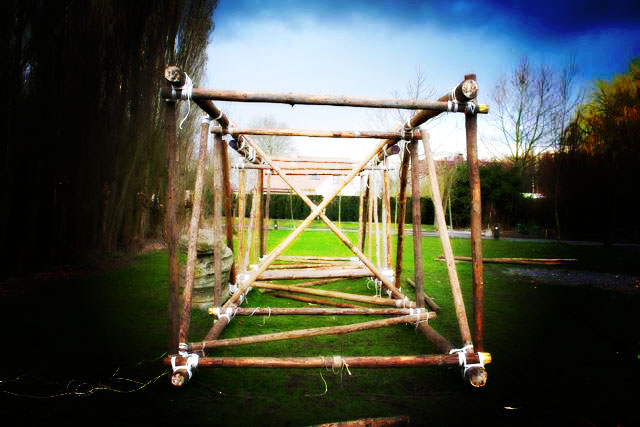
Lesboscript basically adds these layers, automatically:
- Selective Colour on the neutrals : Yellow +20
- Center Light: Tiny center radial gradient of white, to enlighten the center of the picture
- Shadow: Radial gradient of black on the outer side of the image
- Saturation: +10
- Contrast: +10
The result can be seen right here:
Original Picture
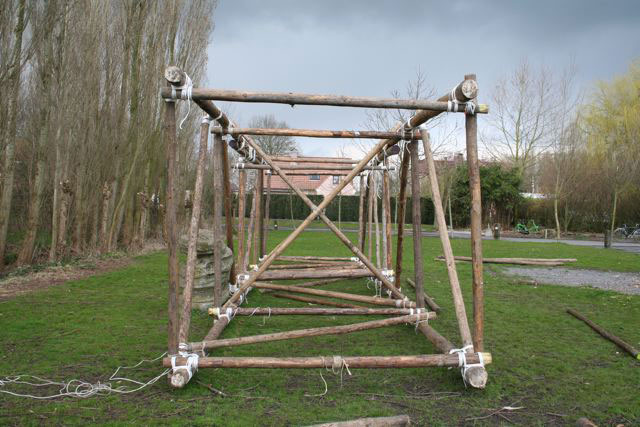
LesboScript Result
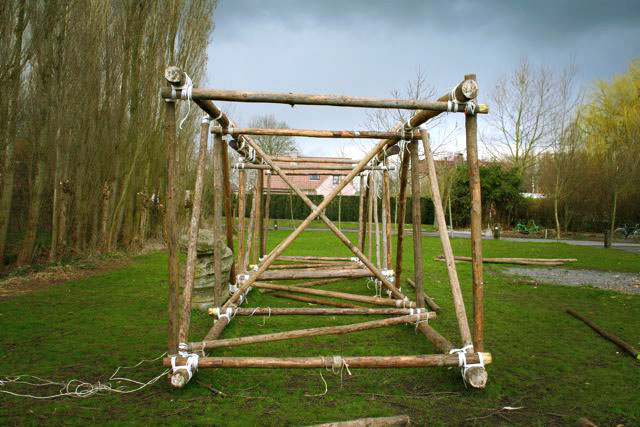
Chlomoscript Result
Sometimes the “Selective Colour”-layer might not be needed, just disable it manually then. In my experience Lesboscript gives the best result on a picture with lots of green, as seen above. Right here is an example picture of where the Selective Color layer has been disabled, to give better results:
Original Picture
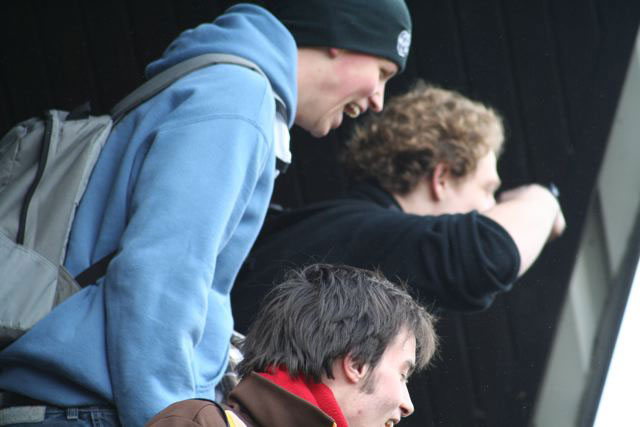
LesboScript result, without Selective Colour
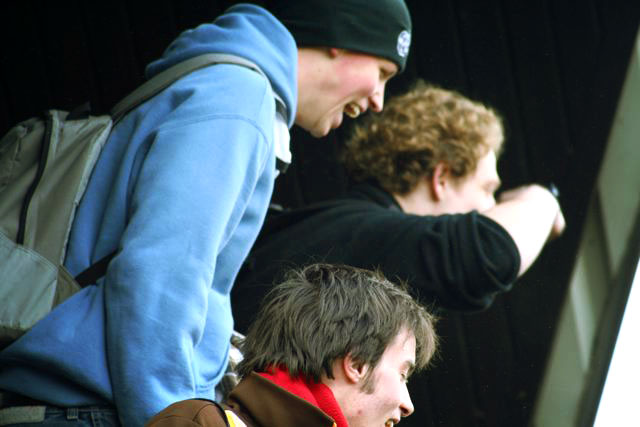
ChlomoScript Result
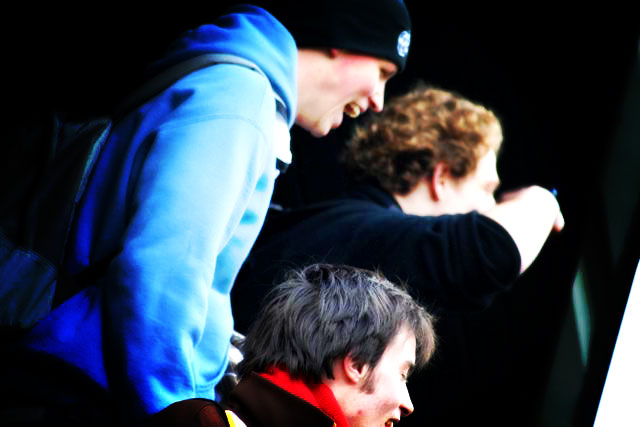
So hereby I’m releasing LesboScript (created October 2005 btw). Maybe you’ll use it and pimp up that picture of your garden 😉
To use this script, just place in into your Photoshop Scripts Folder (on a windows PC this is "C:\Program Files\Adobe\Adobe Photoshop CS2\Presets\Scripts". After placing it there, open up your image in Photoshop and go to "File" > "Scripts" and select "PS_Bramus_LesboScript" from the list to apply it to the focused document.
Have Fun!
B!


Thanks Bramus! The flyers I made at work look a lot nicer now 😉
Wow, its a magic from photoshop create by you Bramus.. Thanks for sharing. Actually i want to learn how to create photoshop scripting. But now, don’t know where to start.
Until i found your blog.
Thanks again Bramus.
Regards
Hi Bramus.
I didn’t even know that you could write scripts for photoshop so thanks for the eye opener.
Is there any difference between using a script or making an action that you can run?
I’m interested because I sometimes do some heavy photoshopping on my photographs and it would be nice to cut a few corners.
This was something new to me as well. I had no idea that you can write js to do this. Thanks for the info and best of luck.