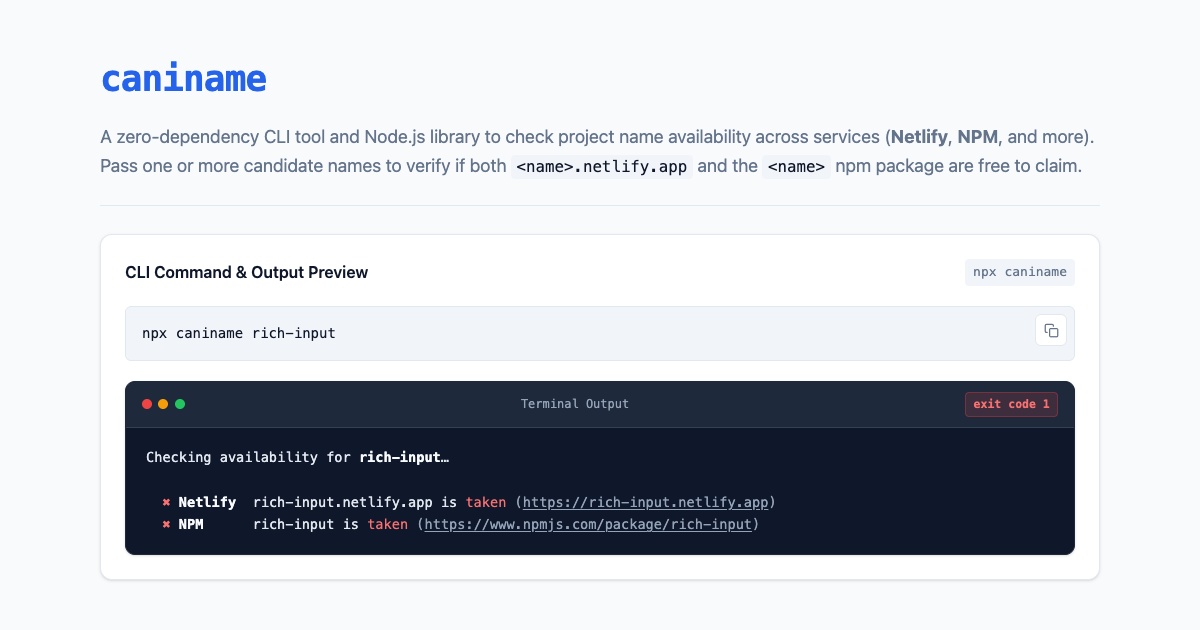
caniname CLI output previewWhenever I build a new tool or custom element (like <show-keystrokes> or <rich-input>), I always end up doing the same manual dance: checking if the package name is still free on NPM and if the matching <name>.netlify.app subdomain is still unclaimed on Netlify. To automate that check, I built caniname.
~
# The need
As the classic saying goes, there are only two hard things in Computer Science — and one of them is naming things. And once you have finally found a good name for your new project (like I recently had to do for <show-keystrokes> and <rich-input>), it can be pretty disappointing when that name ends up being taken already on NPM or as a domain on Netlify — something that you typically only find out upon publishing 😭
To save myself from manually checking both services over and over again, I built caniname.
~
# The CLI tool
There’s no need to install anything globally — you can run it straight via npx:
npx caniname my-fancy-new-projectFor each name — yes, you can pass in multiple ones — caniname reports whether the Netlify subdomain and NPM package are available (✔) or already taken (✖, along with a link to the existing site or package). If you want to use it in scripts or CI, pass the --json (or -j) flag for structured JSON output, or import checkName and checkNames directly in Node.js.
Checking availability for my-fancy-new-project…

  ✔ Netlify  my-fancy-new-project.netlify.app is available (https://my-fancy-new-project.netlify.app)
  ✖ NPM      rich-input is taken (https://www.npmjs.com/package/my-fancy-new-project)
Right now the project only checks Netlify and NPM, but adding new service checks is pretty straightforward: every check lives in its own file inside src/checks/ and gets picked up automatically. PRs with extra checks are very welcome 🙂
💁♂️ Fun fact: I originally built this tool under the name namecheck. Upon running ./bin/namecheck.js namecheck to dogfood it before publishing, it turned out that namecheck was already taken on both Netlify and NPM 😅 — so I used the tool itself to find an available name: caniname.
~
# Go check it out
Check out caniname at the following locations
~
🔥 Like what you see? Want to stay in the loop? Here's how:
I can also be found on 𝕏 Twitter and 🐘 Mastodon but only post there sporadically.
