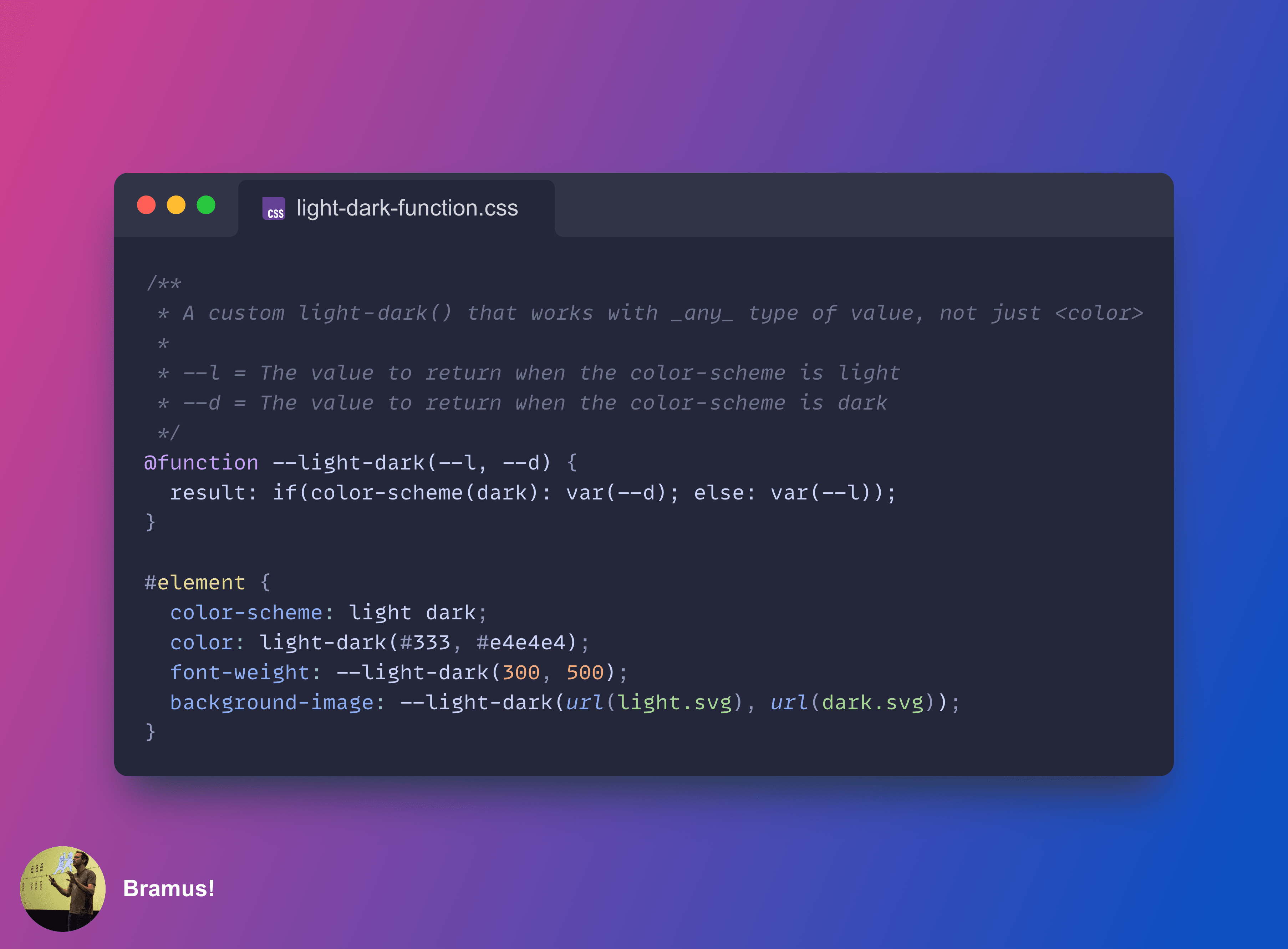
In CSS @function + CSS if() = 🤯 I explored combining CSS custom functions and CSS if(), leading to the creation of a custom --light-dark() CSS function that works with any value (not just colors!).
The built function relied on a style query that query a custom property --scheme, which itself was set to mirror the value of the color-scheme property.
Thanks to the recently resolved color-scheme() function, this indirection is no longer needed, and the code can become much, much simpler.
~
⚠️ This post is about an upcoming CSS feature. You can’t use it … yet.
While custom functions with @function and CSS if() are available in Chrome (and only Chrome, for now), the mentioned color-scheme() only exists on paper right now.
~
# The Code
If you are here just for the code, here it is:
@function --light-dark(--l, --d) {
  result: if(color-scheme(dark): var(--d); else: var(--l));
}
Usage is similar to the built-in light-dark(), but difference is that it can be used with any type of value:
#element {
  color-scheme: light dark;
  color: light-dark(#333, #e4e4e4);
  background-image: --light-dark(url(light.svg), url(dark.svg));
}
To reiterate, you can’t use this code yet, because no browser supports everything that is needed. In Chrome, only schemed-color() support is missing. Thankfully, you can work around this lack of support by storing the color-scheme into a custom property, and querying that with a style query. See this post to get the code that works (in Chrome).
~
# The color-scheme() function
Powering this custom --light-dark() function is the new color-scheme() function. It’s a new addition to CSS which we only recently resolved on adding with the CSS Working Group.
The color-scheme() function allows you to query the used color scheme of an element. The function can be used in both @container queries and the new if()].
In the following example I am using the function directly on an element (instead of placing it into a custom function):
#element {
  color-scheme: light dark;
  background-image: if(color-scheme(dark): url(dark.svg); else: url(light.svg));
}
The reason we need this new color-scheme() function is because the color-scheme property only lists which color schemes are supported. When set to light dark, you are indicating the element can adapt its rendering to either a light or dark version. This is controlled by your light/dark setting, with the resulting used value being one of those listed values.
FYI: You can also force a component into a specific mode by listing only 1 value for color-scheme, e.g. color-scheme: light will force the component into light mode, regardless of your OS setting.
~
# Spread the word
Feel free to reshare one of the following posts on social media to help spread the word:
~
🔥 Like what you see? Want to stay in the loop? Here's how:
I can also be found on 𝕏 Twitter and 🐘 Mastodon but only post there sporadically.

Leave a comment