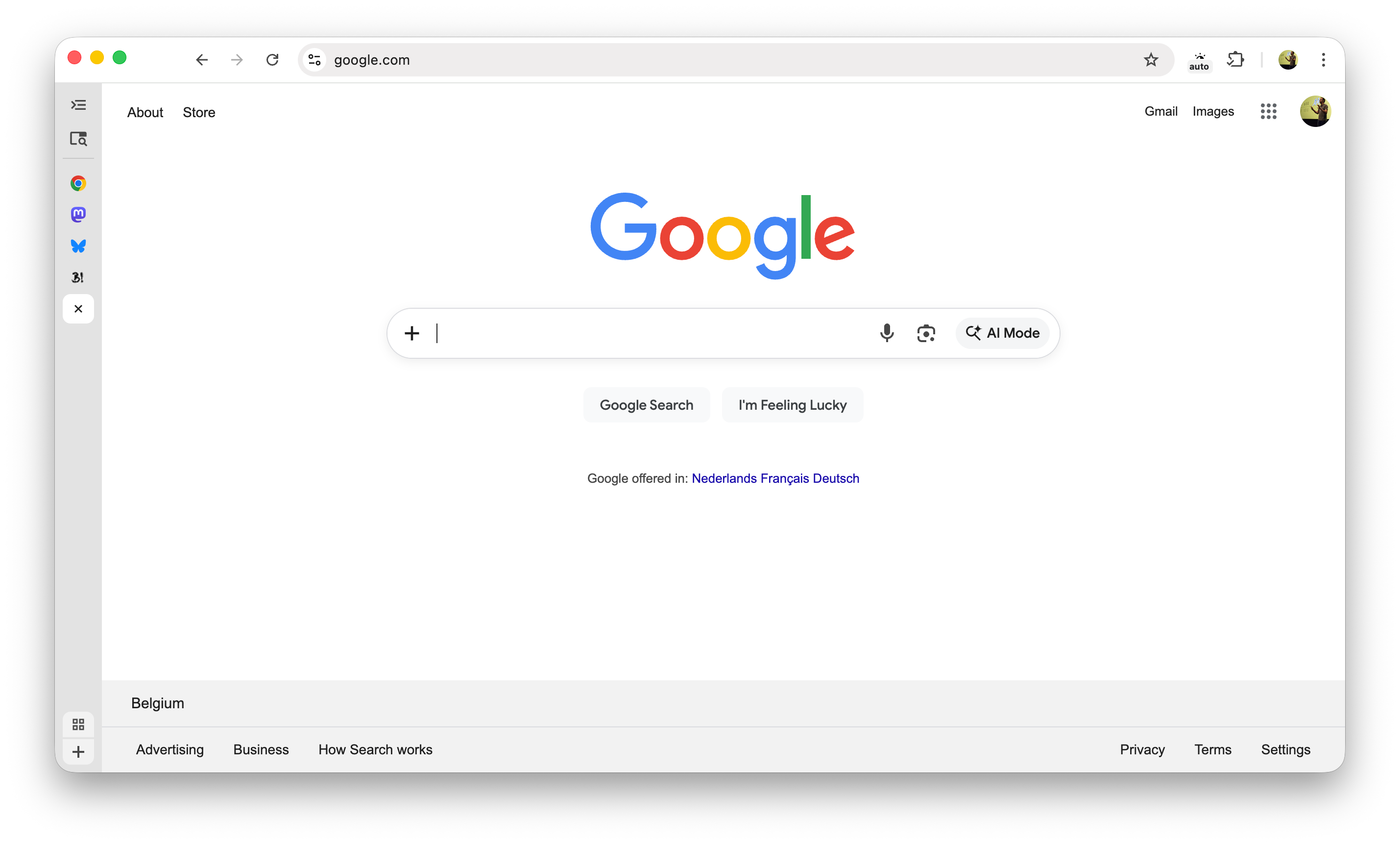
Chrome 145 146 adds Experimental Support for Vertical Tabs

Chrome 145 with the tabs shown to the side (vertical tabs) and a collapsed tab bar

Vertical Tabs are available behind a flag in Chrome 145 (current Chrome Beta)

UPDATE: The flag for this experimental feature moved up to Chrome 146 (current Chrome Canary).

~

The feature is available in preview behind a feature flag. First you need to flip the flag (to enable the feature) and then choose the vertical tabs layout (to apply the feature):

  1. Navigate to chrome://flags/#vertical-tabs
  2. Set the dropdown to enabled
  3. Relaunch Chrome
  4. Right click the tabbar and choose “Move Tabs To The Side”
  5. Here’s screenshots:

    Chrome 145 with the flag enabled and showing the context menu to move the tabs to the side
    Chrome 145 with the tabs shown to the side (vertical tabs)

    If you want, you can collapse the tabs bar to a minimal form, as shown at the top of this post.

    ~

    🔥 Like what you see? Want to stay in the loop? Here's how:

    I can also be found on 𝕏 Twitter and 🐘 Mastodon but only post there sporadically.

Published by Bramus!

Bramus is a frontend web developer from Belgium, working as a Chrome Developer Relations Engineer at Google. From the moment he discovered view-source at the age of 14 (way back in 1997), he fell in love with the web and has been tinkering with it ever since (more …)

Unless noted otherwise, the contents of this post are licensed under the Creative Commons Attribution 4.0 License and code samples are licensed under the MIT License

Leave a comment

Your email address will not be published. Required fields are marked *

This site uses Akismet to reduce spam. Learn how your comment data is processed.